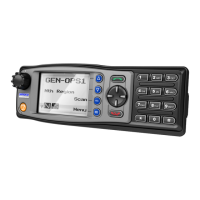
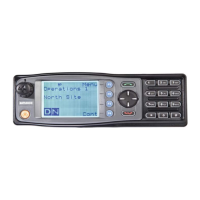
Figure 28: Contact Details Screen
The details displayed for the contact are:
n Depot– Contact name.
n 11 – The Contact number to dial (e.g. UID, TGID, dialstring, PSTN).
n Group – The type of contact (e.g. Individual, Group, PSTN)
Keybeeps
The Keybeeps menu allows the User to enable or disable the acoustic feedback signals
associated with pressing the function keys on the control unit. Use the ▴ and ▾ keys to
select the key beeps On or Off as required. Press the Select key to initiate the action
and return to the previous screen.
Figure 29: Key Beeps Menu Screen
Mute Adjust
The Mute Adjust menu allows the user to select the threshold at which the radio
makes weaker or distorted received audio signals available to the user.
Figure 30: Mute Adjust Screen
The default Mute Adjustment range is from 0 – 15. The mute adjustment setting will
be applied to all of the radio’s analogue channels.
Document Number: TNM-U-E-0145 Issue: 1.0 Page 26


 To Next Page