Commissioning 5
man-CH-PVF-C-V17-2 Minilab 23
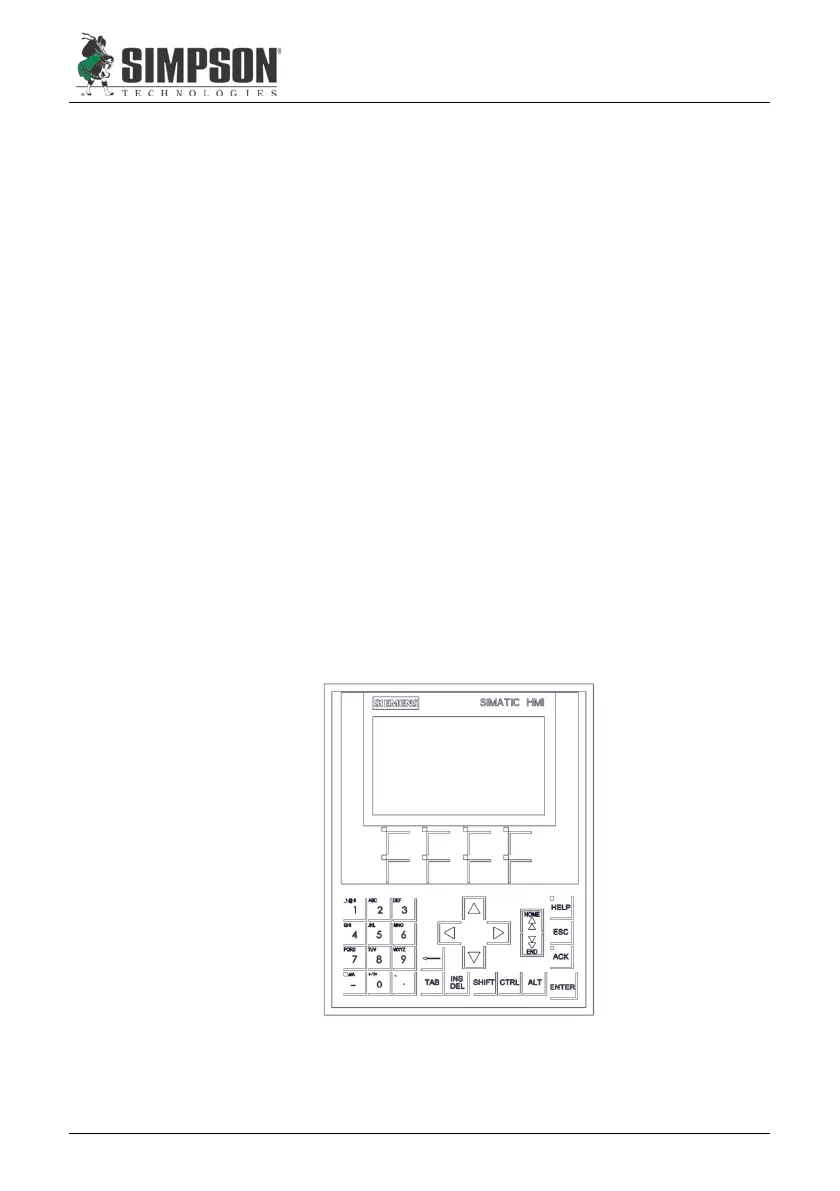
Figure 5.1
5.2 Operating Component and Functions
5.2.1 Operator Panel (OP)
During testing, the measurement values are shown on the Operator
Panel (Figure 8.1, Item 6) display.
The number keys are used to enter changes for factors which must be
altered. Navigation is conducted by the directional cursor keys.
The “Enter” key is used to confirm the entered values.
The “Esc” key is used to browse to a previous menu level by double
clicking.
The function keys (F1, etc.) will be on screen are used to access sub-
menus or to start a function.
If a “<” or “>” symbol is displayed, this indicates that a further page is
available. These can be accessed with the cursor key.
An outline of the complete menu arrangement is shown on Figures 6.1
& 6.2.
The “Shift” key is used to access the second function on twin-function
keys.


 To Next Page