Operating Instructions 6
man-CH-PVF-C-V17-2 Minilab 47
The Piston extends downward and exerts a force on the high pressure
measuring device. This amplifies the force by a factor of 6 and presses
the test specimen until it breaks. The maximum force required relates to
the compressive strength in N/cm
2
and is shown on the display.
6. After completion of the measurement, clean the High Pressure
Measuring Device from sand deposits.
6.2.9 Permeability Measurement
1. Connect the Permeability Meter (Models PED or PDU), equipped
with the Analog Output PED, to the interface connection on the
rear of the Minilab labelled, “Permeability” (Figure 8.2, Item 1).
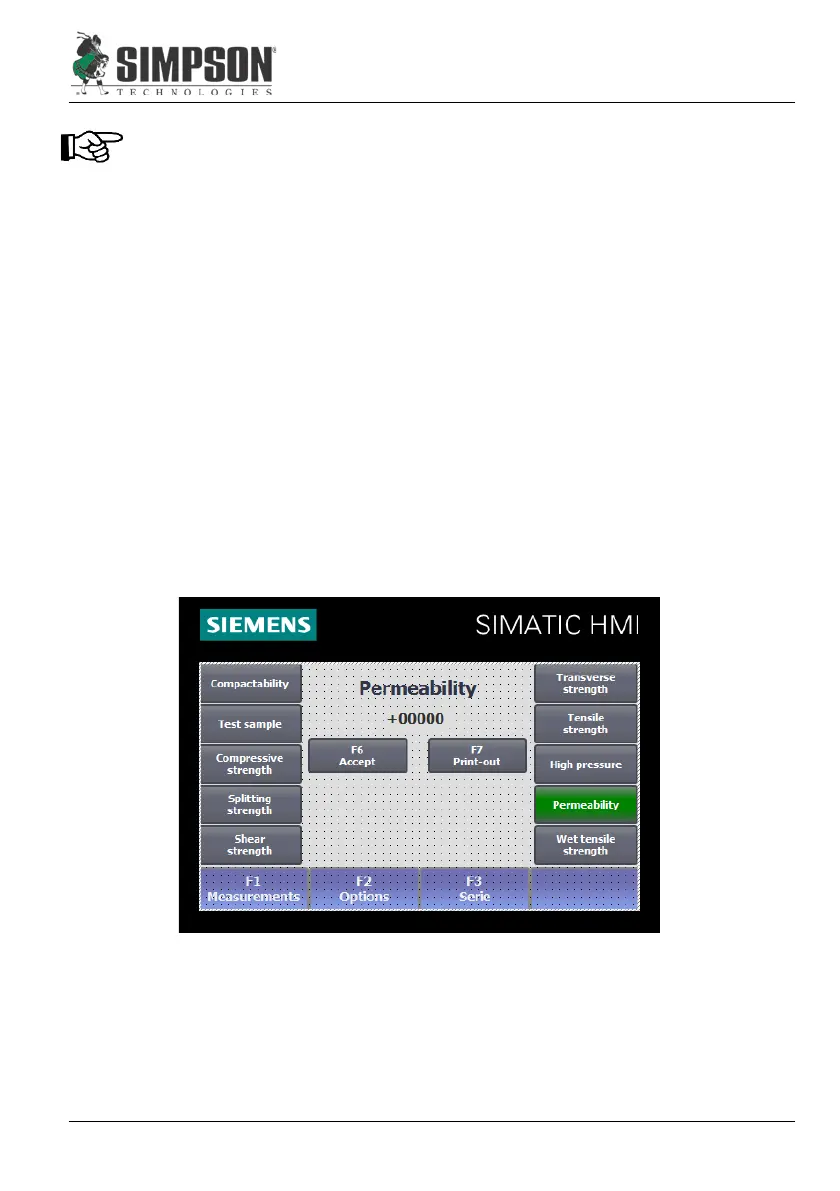
2. Select menu, “Permeability,” on the Operator Panel (Figure 8.1,
Item 6). The measurement results will automatically be displayed
on the Minilab.
3. Complete the permeability test with supplementary equipment
according to that equipment’s instructions & standards.
4. Press “Accept” to save the test value.


 To Next Page