| 29
Operation | V5035 Operator and Installation Manual
Display modes
For quick access, users can rotate display modes by simply pressing
the DISP button.
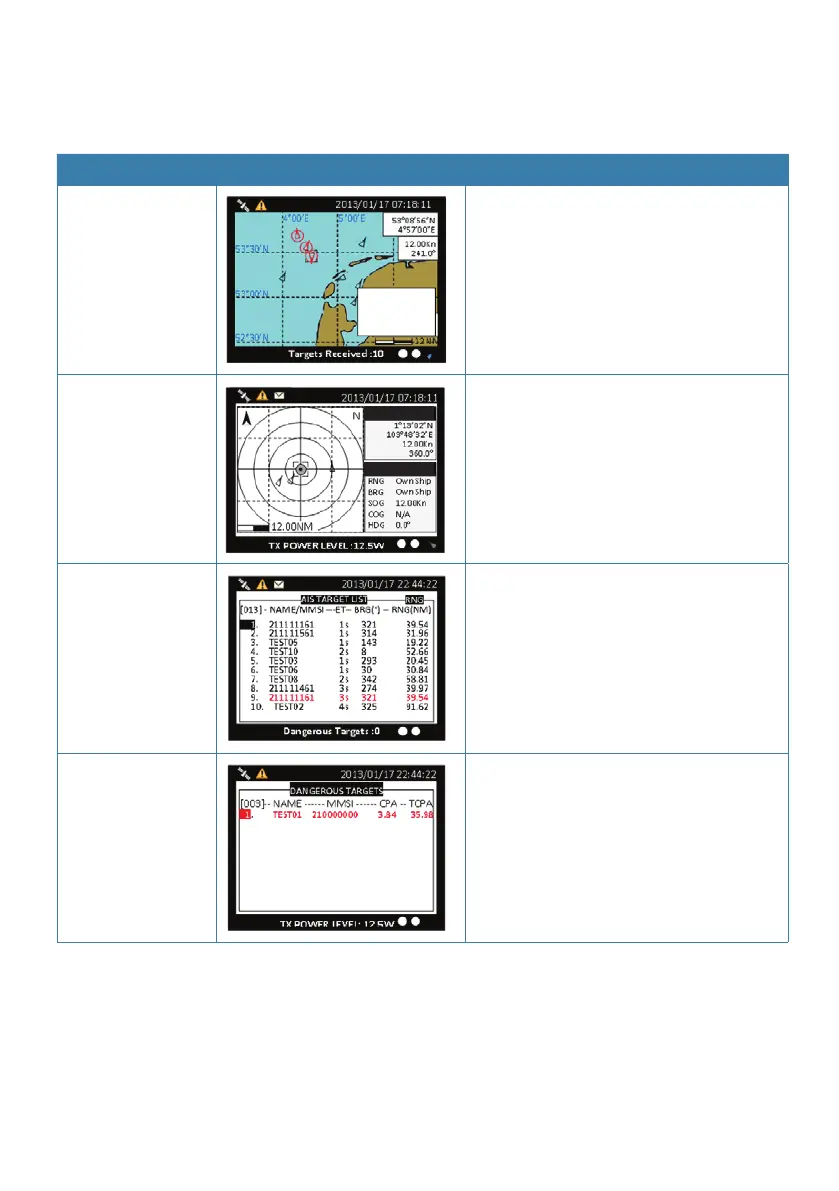
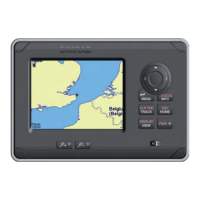
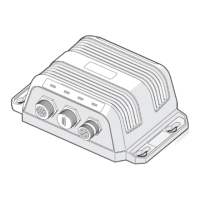
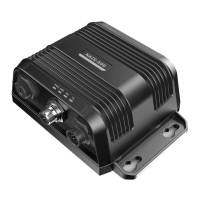
Display mode Screenshot Purpose
Coastal view
SIMRAD
RNG 39.54NM
BRG +320.53°
Display all targets on basic coastline
map
(Refer to Coastal View, page 32)
Radar view
SIMRAD: 15
SIMRAD: 15
Displays all targets on radar view
(Refer to Radar View, page 33)
AIS target list
Shows all received ship data
(Refer to AIS Targets, page 49)
Dangerous target
list
Shows all dangerous AIS targets pres-
ently
(Refer to Dangerous List, page 54)


 To Next Page