IM Machine Name Rev.: END 28
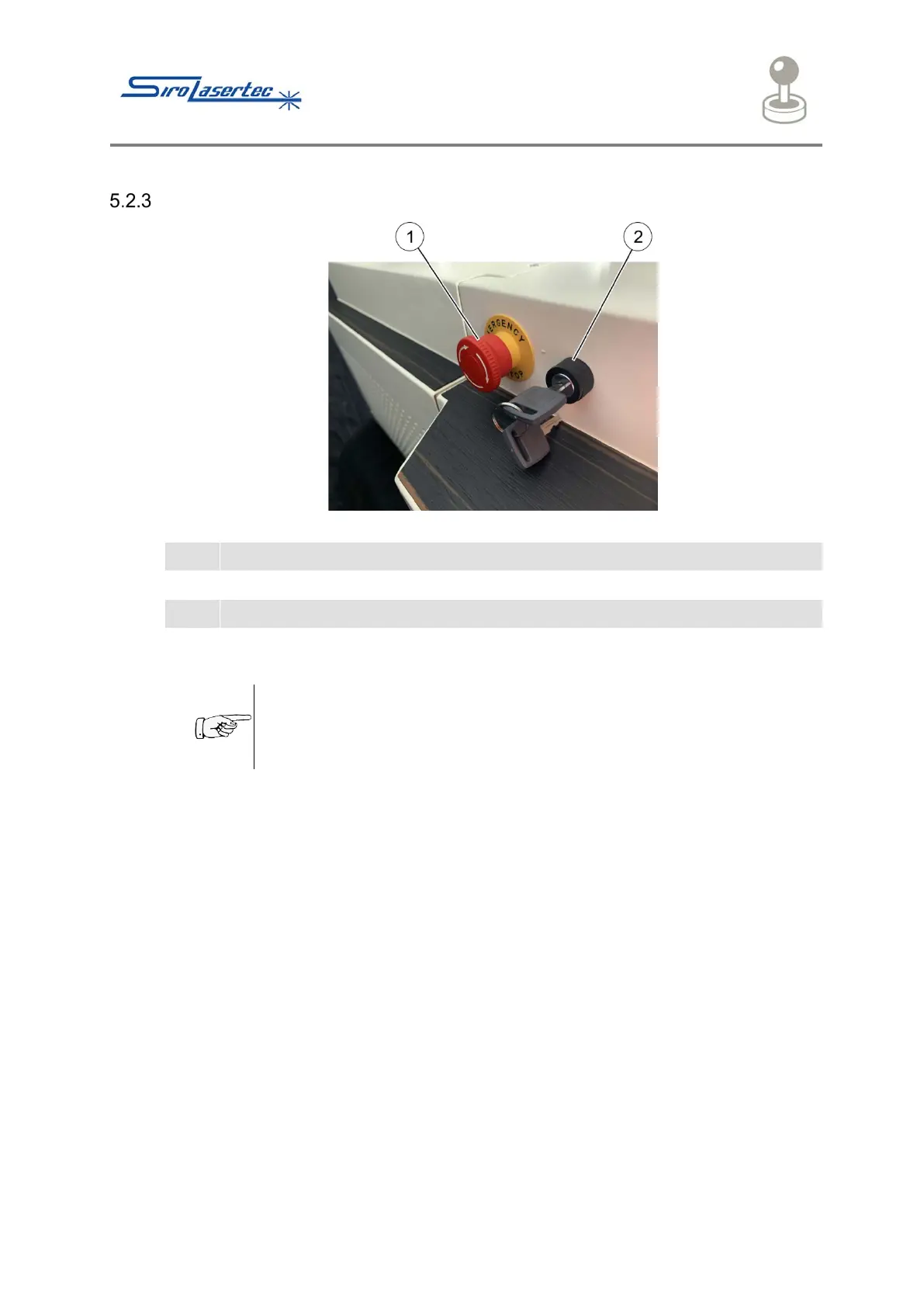
Emergency Stop Button and Key Switch
Illustration 7 Emergency Stop Button and Key Switch
After pressing the Emergency Stop button (1) the welding laser system is brought to a
safe stop
● Only use the Emergency Stop button in the event of danger for
people and / or the welding laser system
● Do not use the Emergency Stop button as an off-switch
The welding laser system is switched to operational readiness by means of the key
switch (2).



 To Next Page