IM Machine Name Rev.: END 32
● Now switch off the laser again – see 5.3.3 Switching Off.
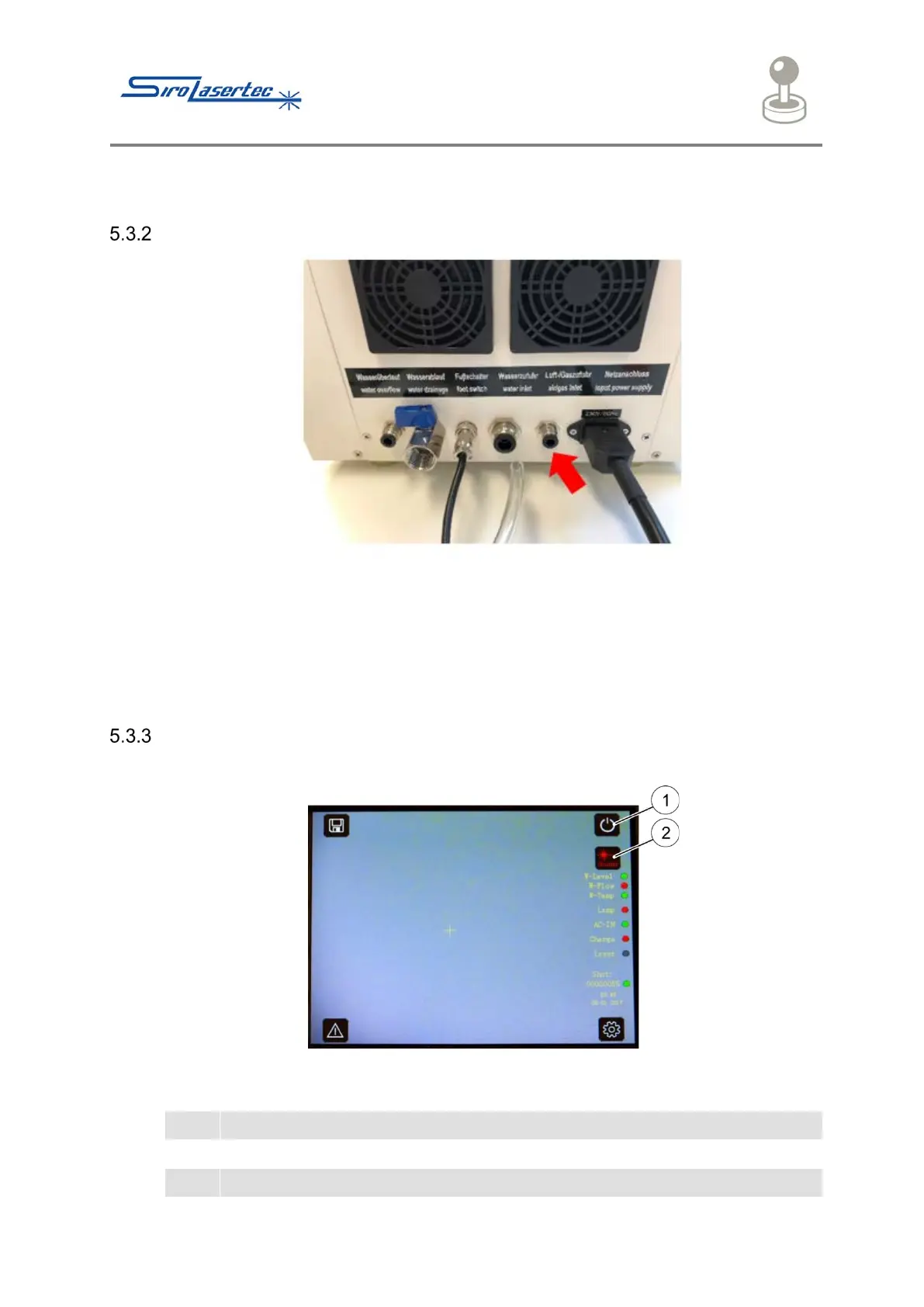
Shielding Gas Connection
Illustration 13 Gas Connection
● If required and using a suitable hose, connect a bottle of argon 4.6 shielding gas
to the welding laser system.
● Insert the hose at the indicated point (red arrow) on the back of the device (Air
Inlet). The hose must be firmly seated.
Switching On
● Switch on the welding laser system using the key switch.



 To Next Page