IM Machine Name Rev.: END 33
The laser has a safety shutter, this must be opened once on every start.
● To do so, press the icon (2) on the display. The laser is only operationally ready
with the safety shutter switched to green.
● Always start the device in the following start sequence:
Switching Off
● Press the On / Off button.
● Switch off the welding laser system using the key switch.
● For longer periods out of operation, pull out the mains plug.
5.4 Operation
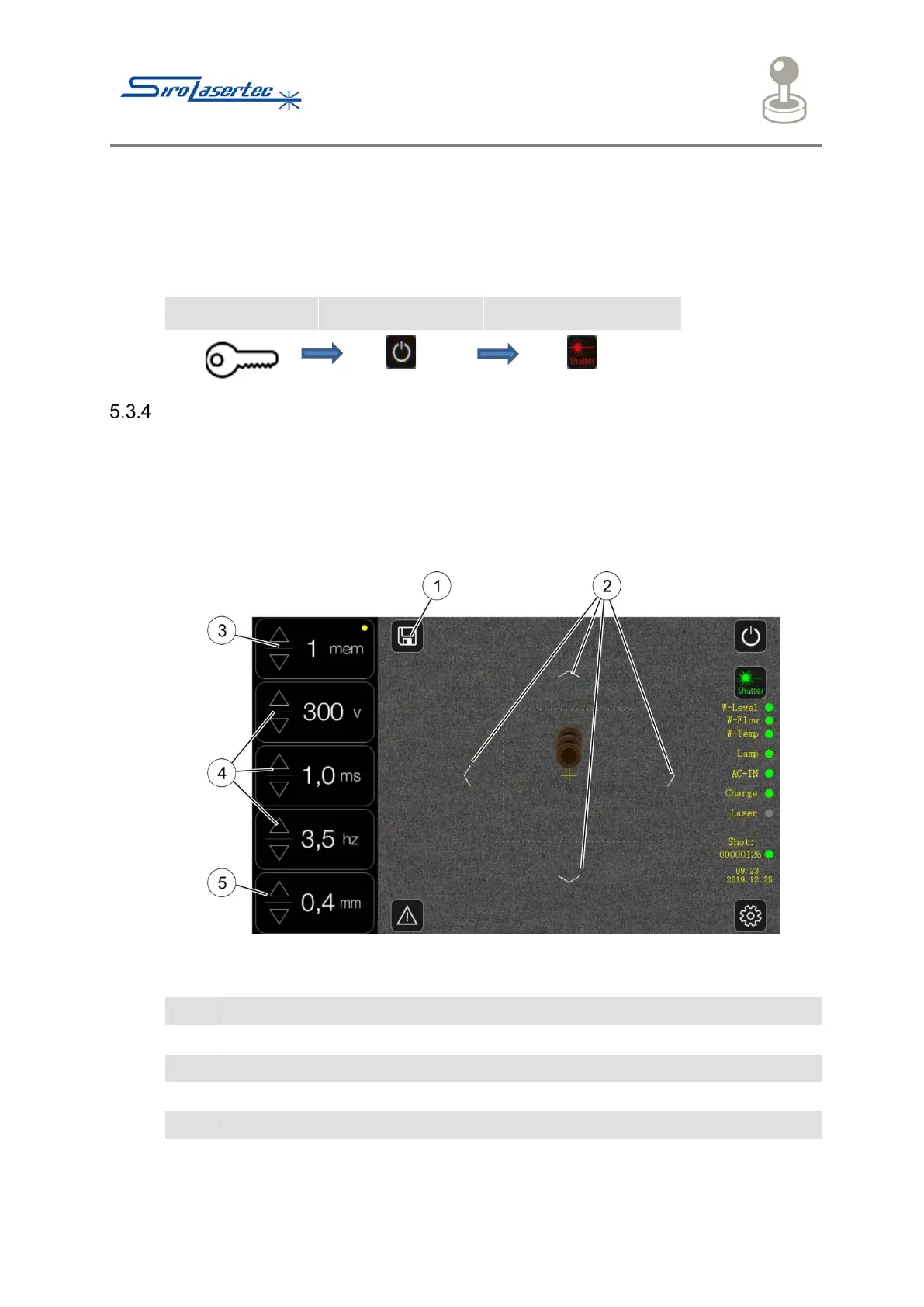
Illustration 15 Parameters Page
Direction indicator for moving the cross-hairs
Selection of the processing programme
Parameters: voltage [V], pulse duration [ms], pulse frequency [Hz]
Laser spot diameter parameter [mm]



 To Next Page