IM Machine Name Rev.: END 45
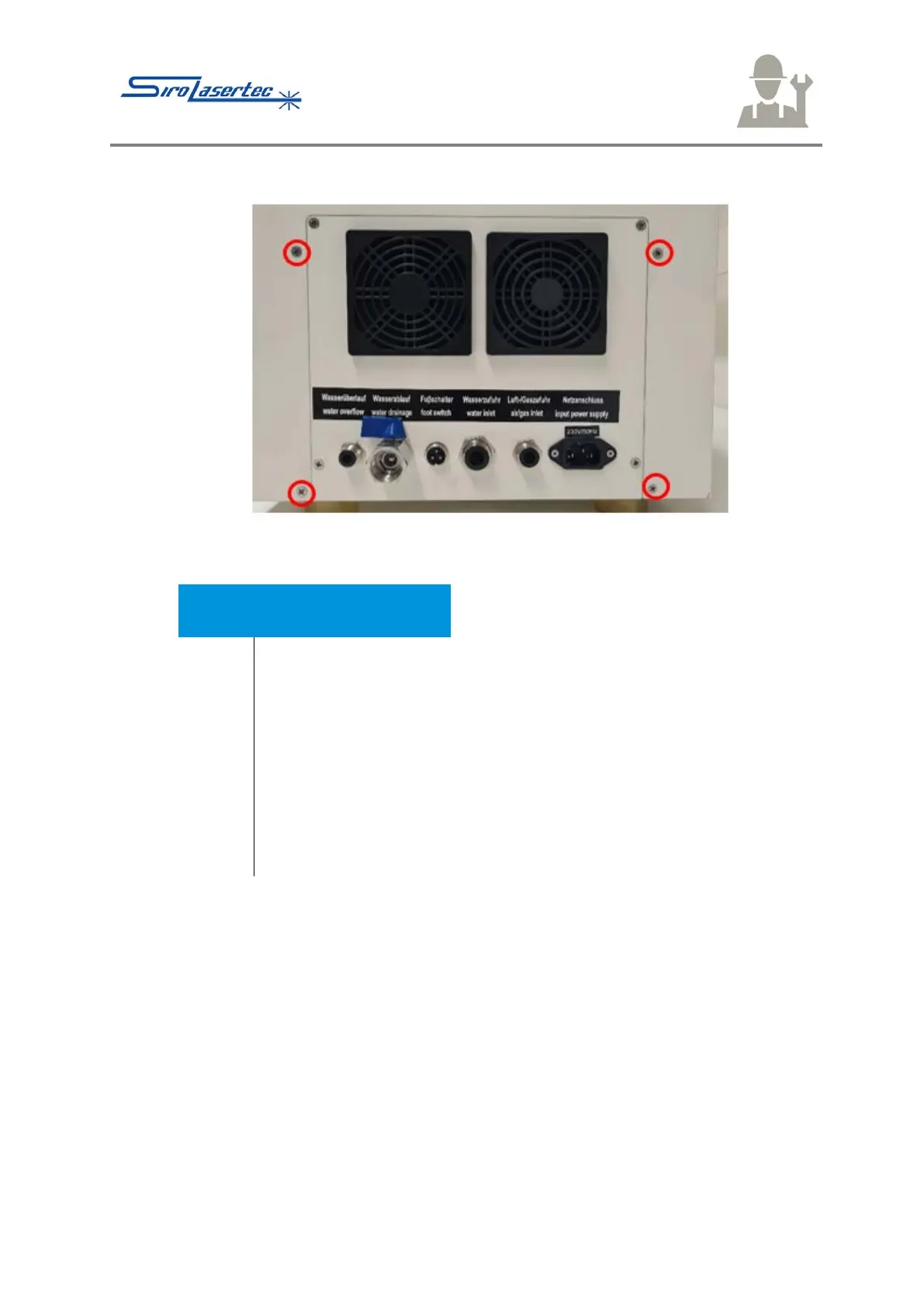
Illustration 23 Cover Screws 3
● Remove the screws – outlined in red – on the back.
Damage to the display connecting cables and the camera is
possible.
The cables and connection plugs of the display and the camera can
be damaged through the immediate complete taking down of the
housing.
● Carefully pull off the housing approx. 10 cm towards the back.
● Remove the connections of the display and the camera as
described in the following.
● Only then remove the housing.



 To Next Page