DK32S User Manual (V1.3)
- 97 - 2022 SIYI Tech All Right Reserved
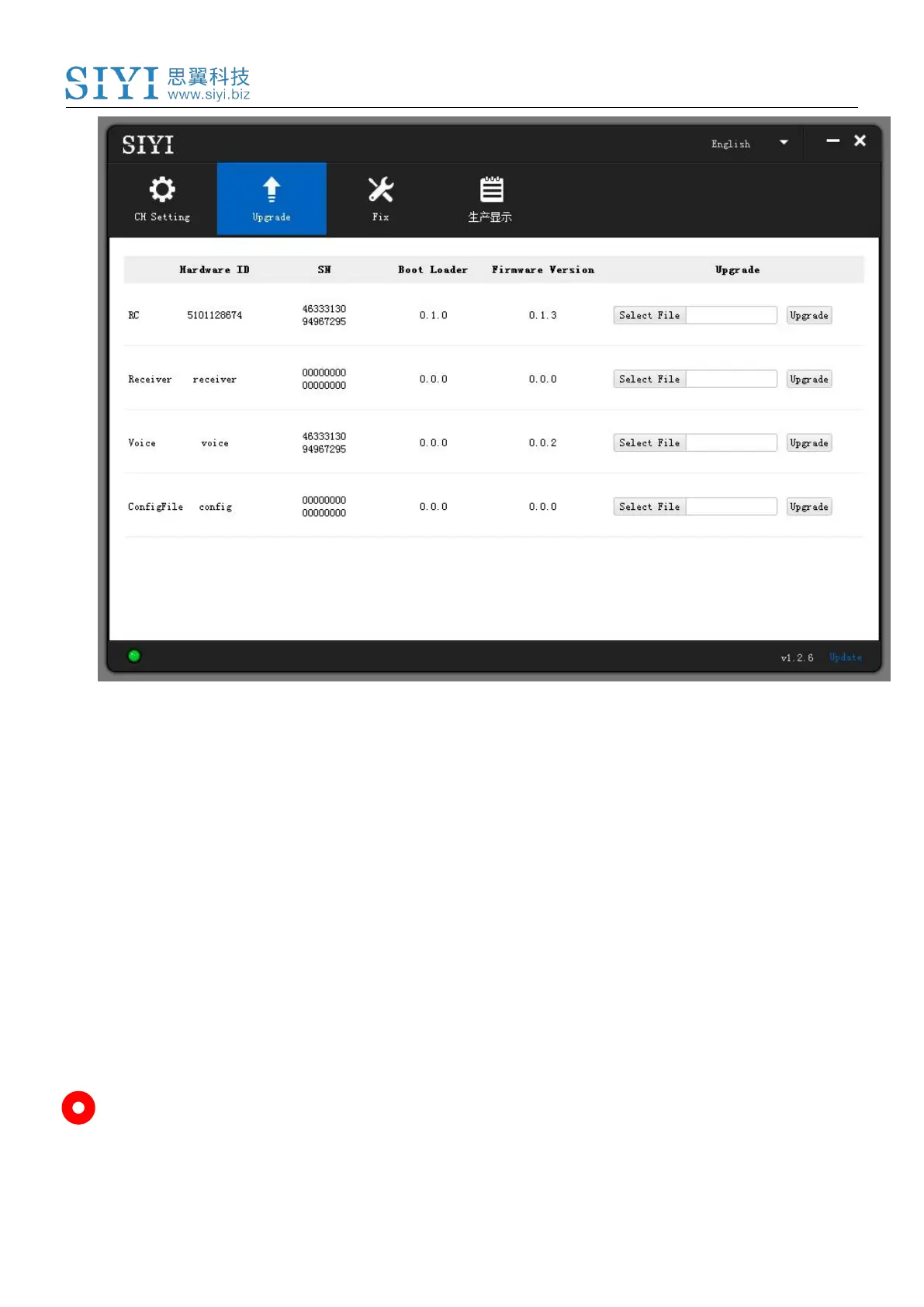
If the DK32S ground unit’s firmware is not the latest, then click the “Select File”
button in the “RC” line to import the latest ground unit firmware. Then click
“Upgrade” and wait till it is “100%” finished.
Disconnect DK32S ground unit from the Windows device. Use the OTG cable to
connect DK32S air unit’s Micro-USB port to your Windows device’s USB-A port.
Then repeat the above steps to upgrade air unit firmware.
Mark



 To Next Page