DK32S User Manual (V1.3)
- 98 - 2022 SIYI Tech All Right Reserved
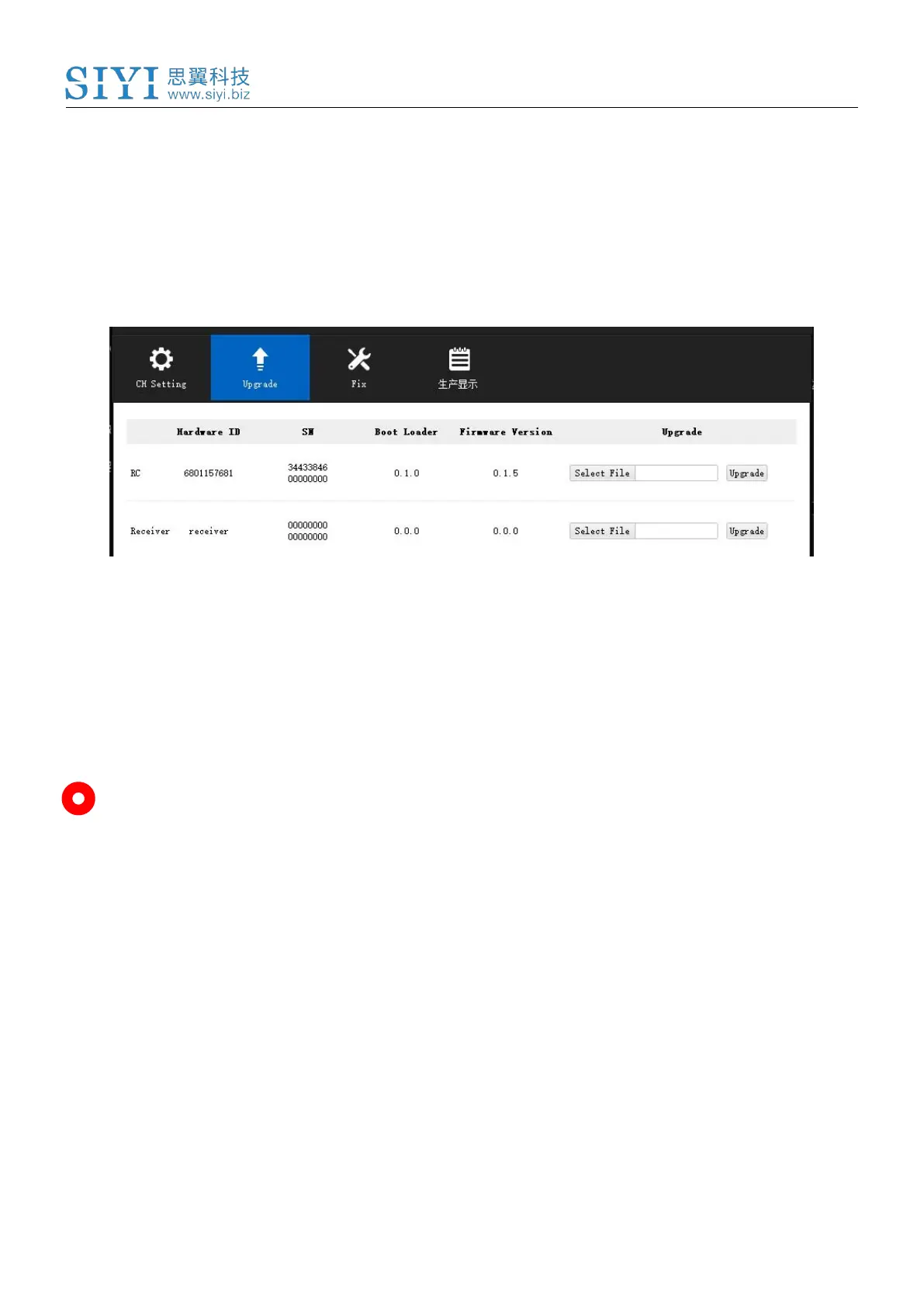
Please choose the correct firmware according to the initial number in the boot loader
number version. For instance, if the boot loader number is 5.1.0, then please choose the RF
firmware version starting with number 5. If the boot loader number is 0.1.0, then please
choose the RF firmware version with number 0.
When the ground unit RF firmware and the air unit RF firmware are different in initial
numbers, they can still bind and work normally as long as their firmware version actually
match.
Mark
Only when DK32S ground unit and air unit are bound, you can check both ground unit and
air unit firmware in SIYI Assistant software.



 To Next Page