83
SJ12 E, SJ16 E, SJ20 E
243762ABA
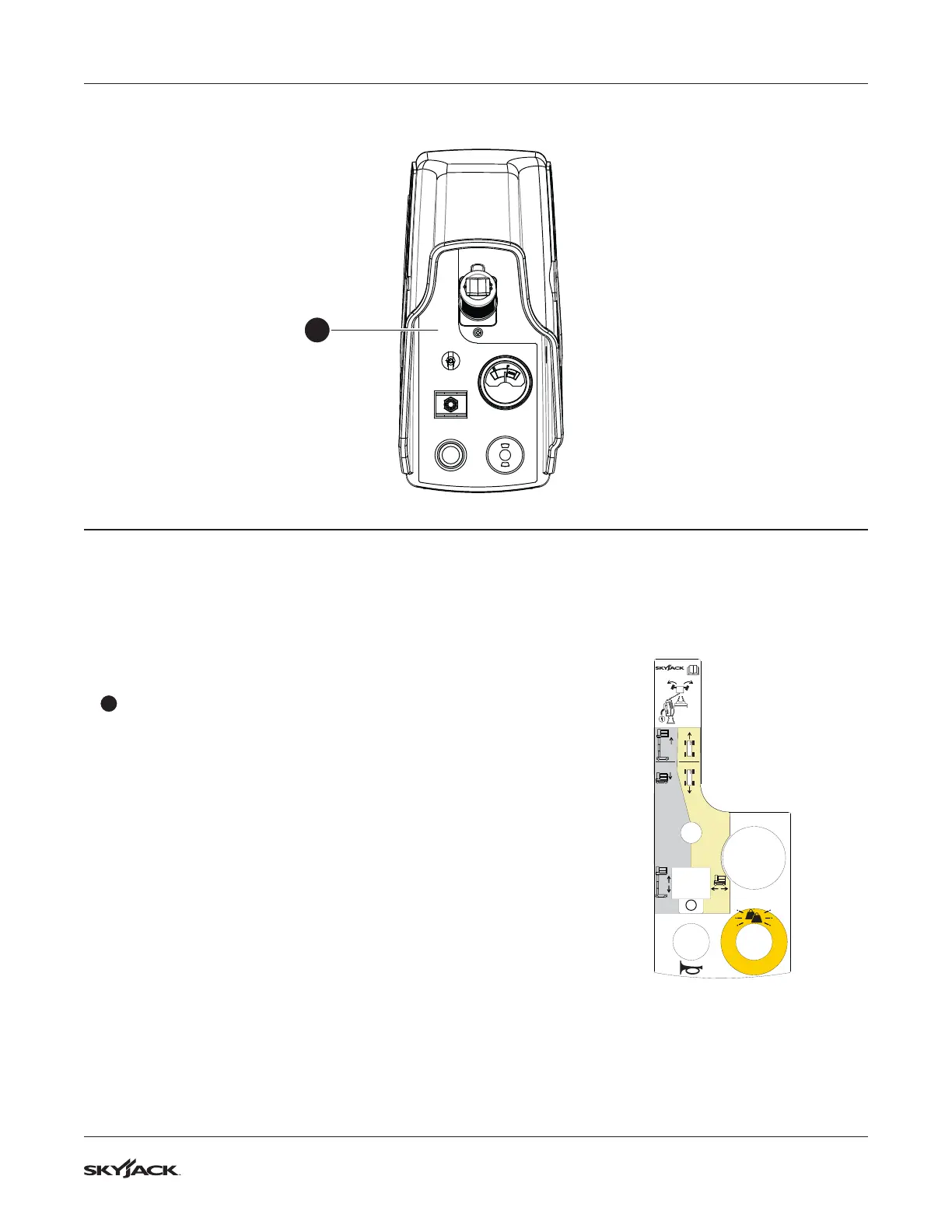
Platform control console Section 8 – Labels
Description Label Pictorial
1
Platform controls
▪
Squeeze and hold the function-enable switch to energize
the lift, drive, and steer functions.
▪
Operate the steering rocker switch to steer.
▪
Move the controller handle to control the lift and drive
movements.
▪
Select the lift, off, or drive mode.
▪
Push the horn button to make a sound like a car horn.
▪
Push the emergency-stop button to disconnect power
to the control circuit. Pull the emergency-stop button to
connect the power again. The operation light goes on to
indicate upper control availability.
CUT OUT
TM
8.5 Platform control console
1


 To Next Page