Page 31 of 128
8. Standby mode
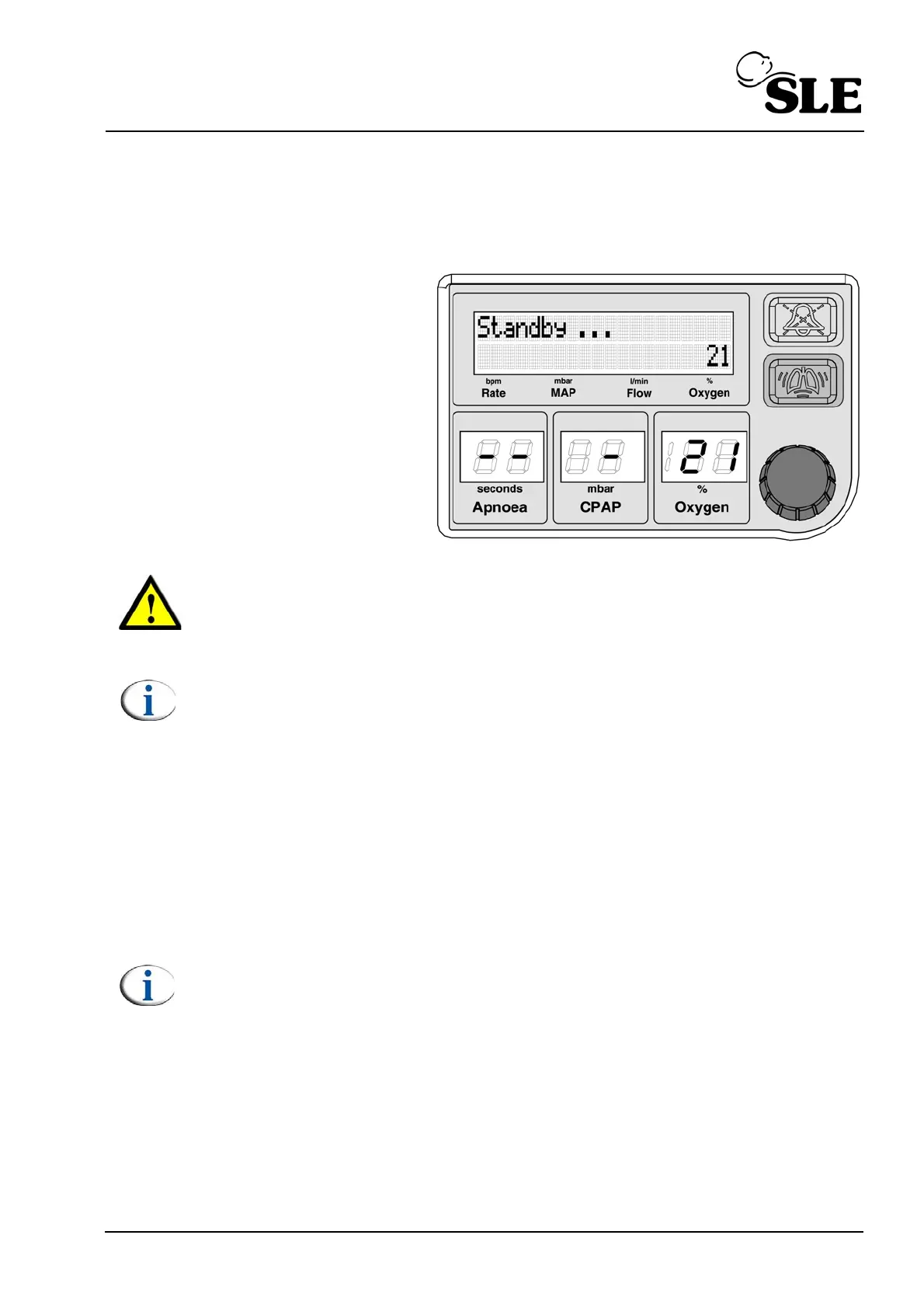
On power up the unit enters “Standby” mode. In “Standby” mode the unit reduces
the flow to less than 2 l/min.
Stand-by mode is indicated
in the CPAP LED display by
one horizontal dash “-”.
The LCD displays
“Standby...”.
Warning: The patient must never be connected to the unit in “Standby”
mode. The unit does not deliver any therapeutic flow in this mode and all
patient and gas alarms are disabled with the exception of the "Battery Low"
alarm.
Note: In standby mode the user can only select the "% Oxygen", "CPAP",
"Apnoea" and "Set Flow"
8.1 Exiting Standby mode
The user has three routes to exit standby mode.
A. Selecting a CPAP pressure.
B. Selecting a flow of 6 l/min (or if a flow has already been set the last set flow).
C. Selecting a flow directly.
Note: Please see the “CPAP and Flow mode” chapter for a detailed
description on page 55.



 To Next Page