Page 32 of 128
9. Selecting a parameter, display or calibration function
9.1 Upper and lower level functions.
The following is a the list of selectable parameters using the control knob:
Set Oxygen Level Parameter - lower level function
Set CPAP level Parameter - lower level function
Set Apnoea Time Parameter - lower level function
Set Trigger Sen. (Sen. = Sensitivity) Parameter - upper level function
Show Batt. Level (Batt = Battery) Display function - upper level function
Start O2 Calib (Calib = Calibration) Calibration function - upper level function
Show Alarm Hist. (Hist. = History) Display function - upper level function
Set Flow Parameter - upper level function
9.1.1 Selecting lower level functions
Oxygen %, CPAP, Apnoea and Set Flow values (Lower level functions)
Note: Please see the “CPAP and Flow mode” chapter for a detailed
description on page 55.
Note: If the user is in Standby mode, they can only select one of the
following parameters % Oxygen, CPAP, Apnoea and Set flow.
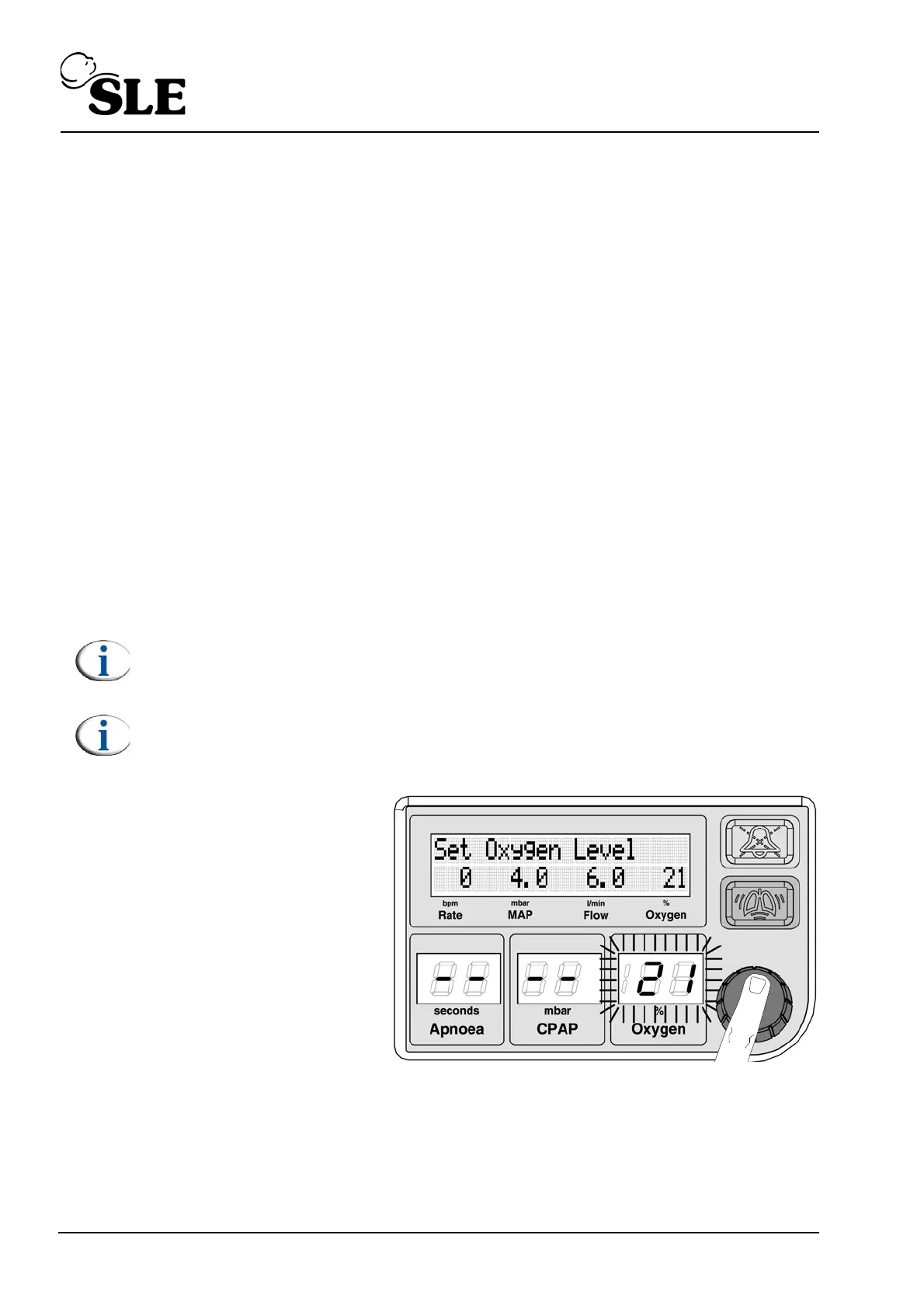
The procedure is the same
for all the settable
parameters.
Push or turn the knob.
The Oxygen parameter will
start to flash.



 To Next Page