Page 47 of 128
10. Audio mute button
10.1 Pre-mute
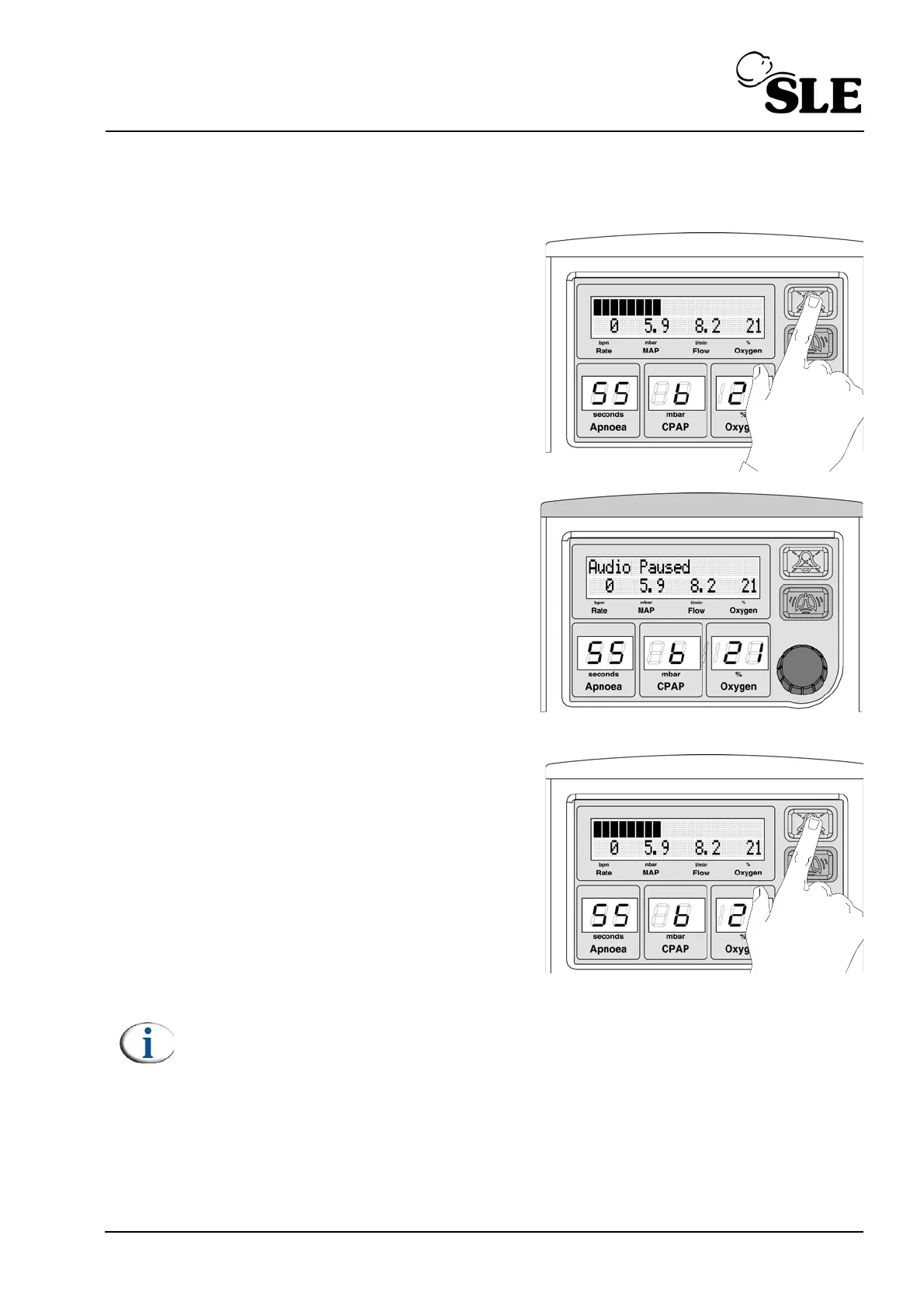
The user has the ability to pre-mute the
alarm system.
The user pushes the audio paused
button once.
The unit will alternate between the text
“Audio Paused” and the cycle indicator
bargraph.
The unit will flash the light bar (Blue)
when the text “Audio Paused” is
displayed.
The pre-mute will last for two minutes.
The user can cancel the pre-mute by re-
pressing the audio paused button.
Note: Any alarms that are generated during the pre-mute period will only be
able to initiate the visual component (i.e. the alarm bar and alarm message.)
The alarm message will alternate between the alarm message text and the
audio paused text.



 To Next Page