Page 33 of 128
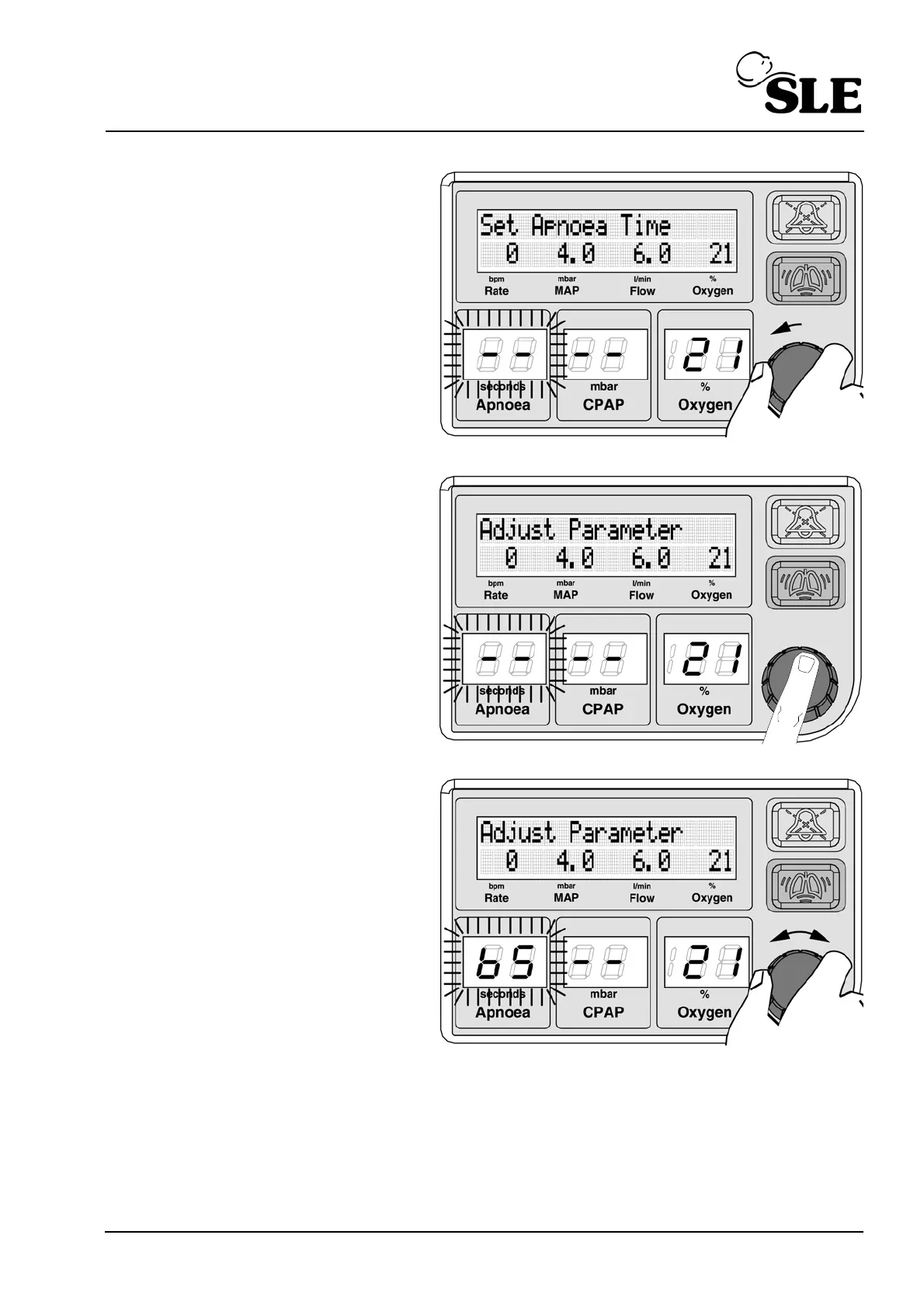
Rotate the knob to the left to
cycle through the selectable
parameters, displays or
calibration functions.
The screen will display the
title of the parameter that
can be adjusted.
Push the knob to adjust the
flashing parameter.
The LCD display changes
from “Set Apnoea time” to
“Adjust Parameter”.
Rotate the knob to change
the set parameter value.



 To Next Page