Page 59 of 128
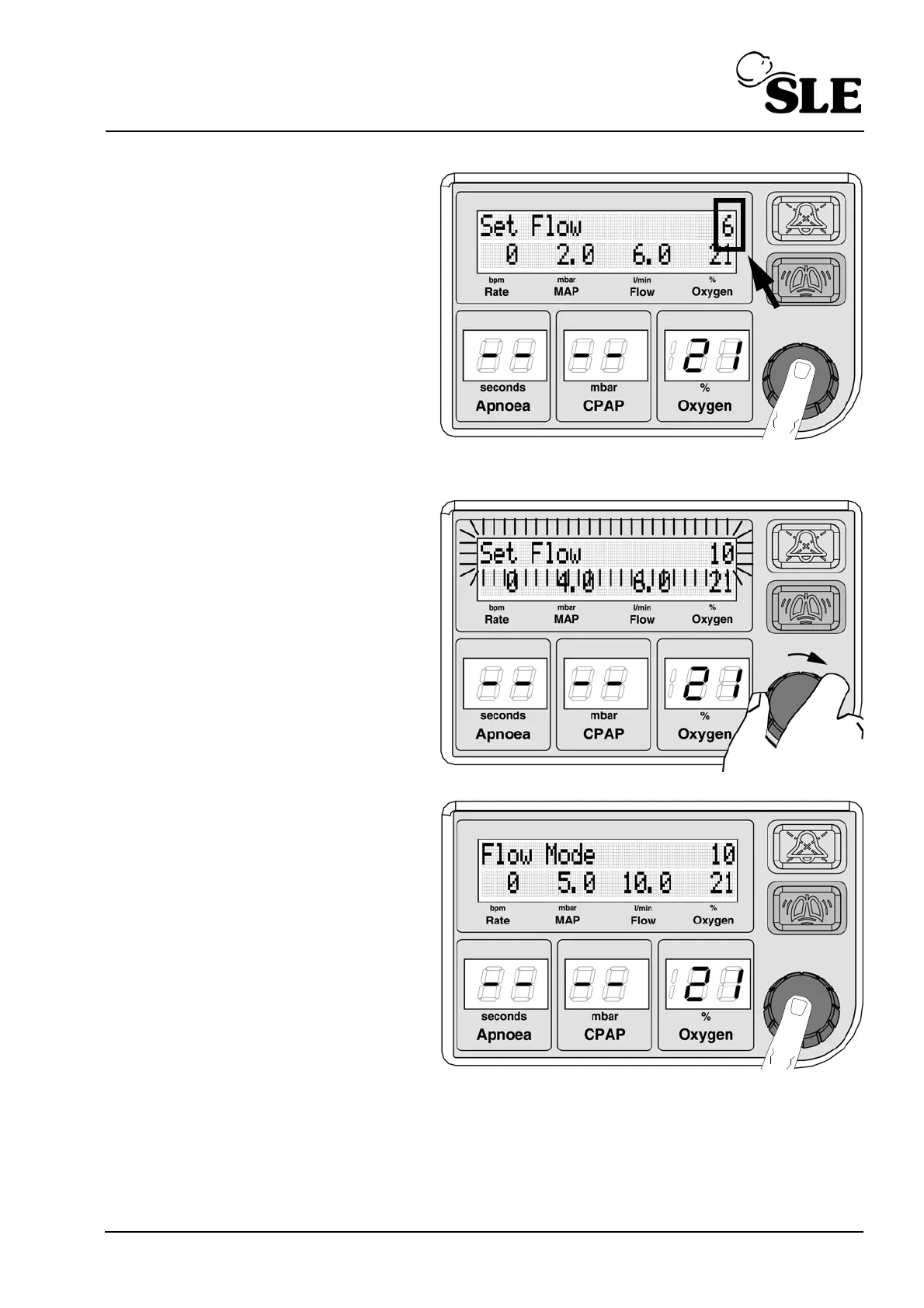
Push the knob to select. The
flow will now be displayed in
the top right hand corner of
the display
Rotate the knob to the right
to set the required flow. The
text will starts to flash.
Push the knob to confirm the
required flow.
The text will change to "Flow
mode".



 To Next Page