Page 67 of 128
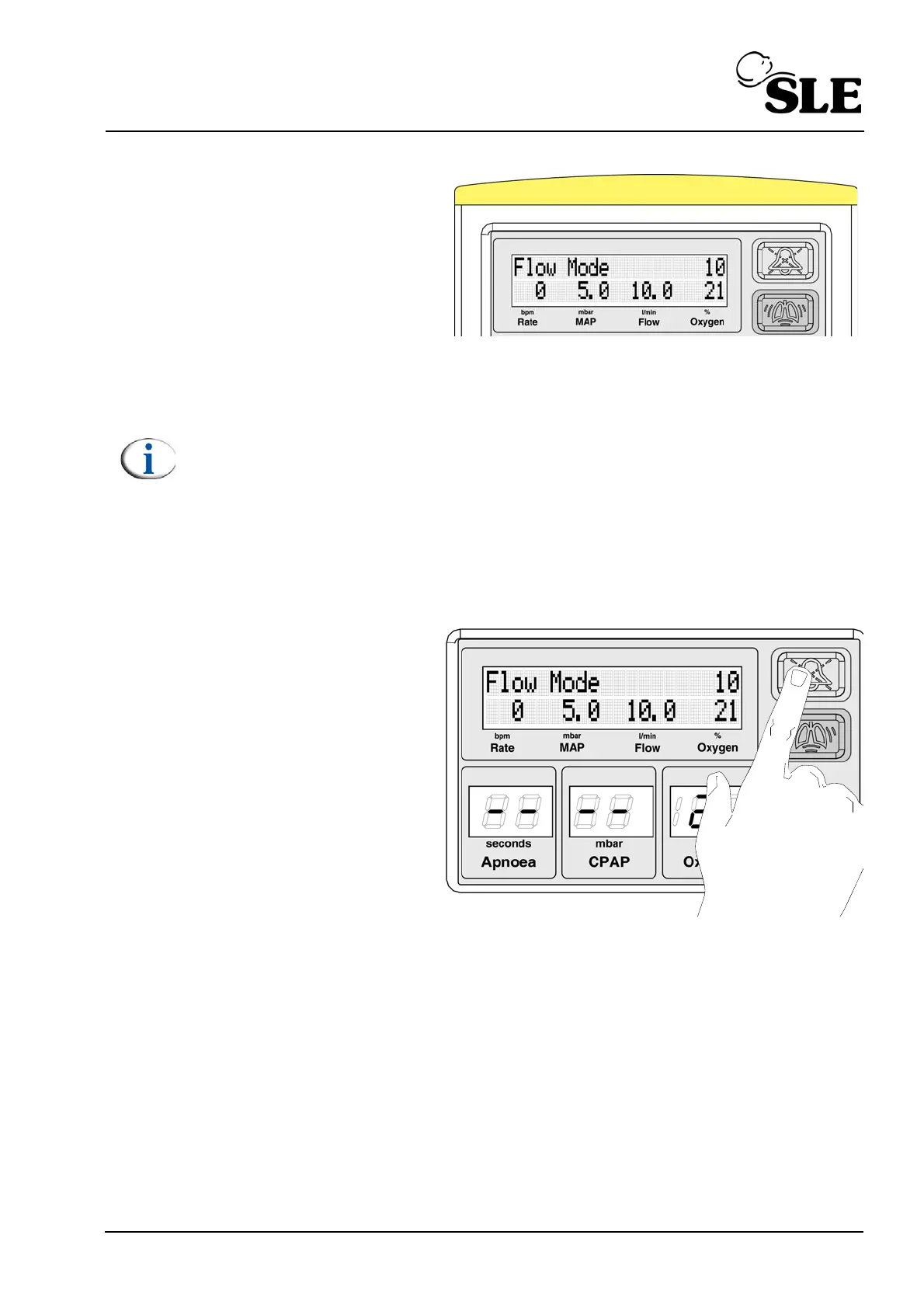
The SLE1000 will now deliver
the set flow.
At this stage the light bar will
illuminate with a medium
priority colour. This is to
inform users that the alarm
thresholds require setting.
Note: The user should be aware that in “Flow Mode” the trigger thresholds
for the “High leak” and “Exhaust Impeded” alarms do not auto track the
MAP. The default Flow is 6LPM and the alarm thresholds are default to 2
mbar (Leak) and 6 mbar (Exhaust).
When the user increases or decreases the set flow, the MAP will cross one
of the previously set thresholds, triggering the appropriate alarm. This
alarm will not clear unless the thresholds are set by the user around the
new MAP that is being used to achieve the set flow or if the MAP crosses
back to within the previously set threshold parameters.
Depress and hold the alarm
mute button for 4 seconds.
This will set the alarm
thresholds around the
measured MAP. by ± 2 mbar.
The unit indicates that the
alarms have been set by
flashing the light bar (Yellow)
for 1 second.



 To Next Page