CHAPTER 2
MOUNTING YOUR INTERACTIVE FLATPANEL
11 smarttech.com/kb/170642
l Do not install the interactive flat panel near where the main power supply enters the building.
l Ensure adequate ventilation or provide air conditioning around the interactive flat panel so
that heat can flow away from the unit and the mounting equipment.
l If you mount the interactive flat panel in a recessed area, leave at least 4" (10 cm) of space
between the interactive flat panel and the recessed walls to enable ventilation and cooling.
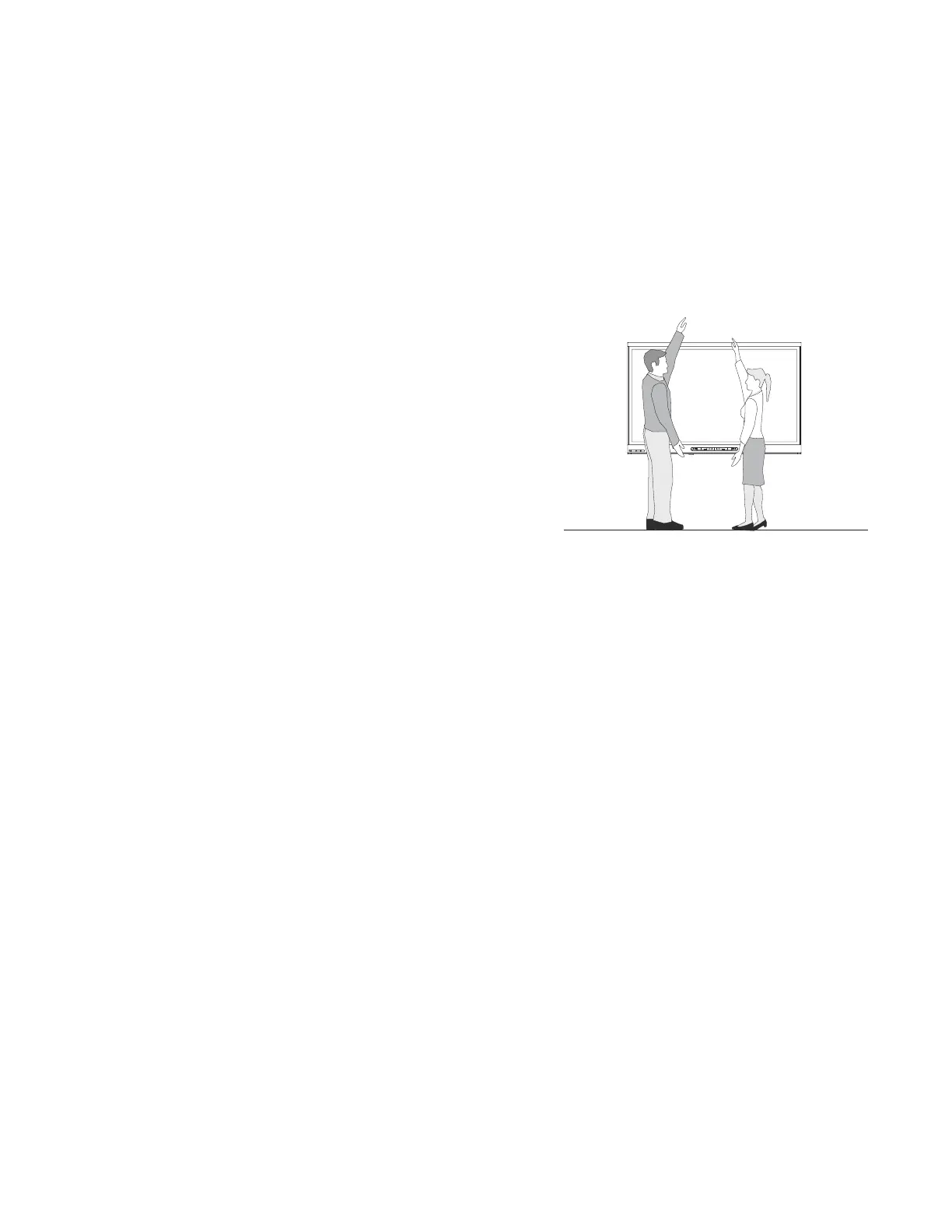
Choosing a height
Consider the general height of the user community
when you choose the height for the interactive flat
panel.



 To Next Page