APPENDIX A
USING THE ON-SCREEN DISPLAY MENU
40 smarttech.com/kb/170642
SMARTBoard6065 interactive flat panel
on-screen display menu
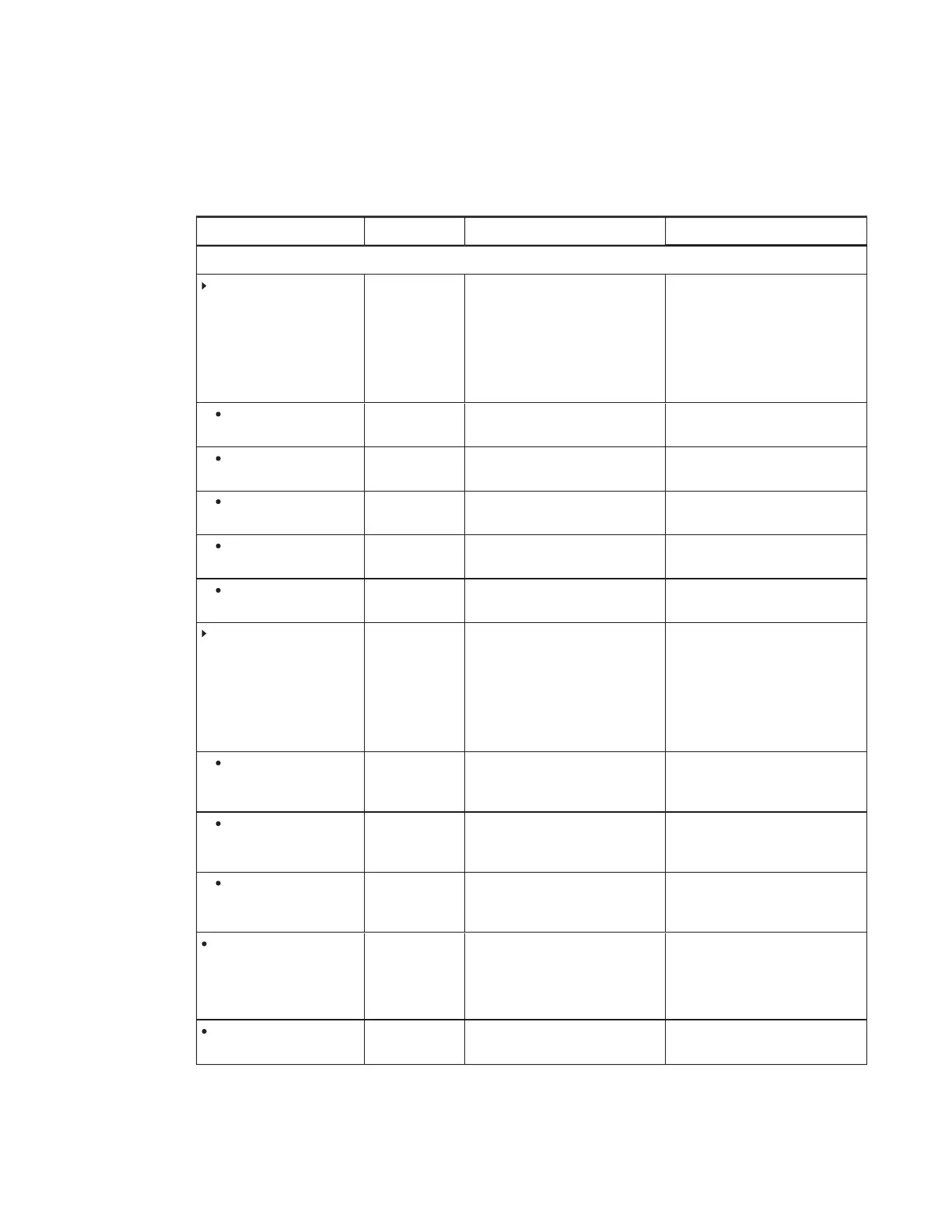
Option Values Function Notes (if any)
Picture
Picture Mode
Standard
User
Dynamic
Sets the picture mode Select User to customize
brightness, contrast, sharpness
and other
Picture
options.
Select one of this option’s other
values to set brightness, contrast,
sharpness and other
Picture
options to default values.
Brightness
0–100 Sets the overall brightness of the
image and background
You can modify this option only if
you select User in
Picture Mode
.
Contrast
0–100 Sets the brightness of the image in
relation to the background
You can modify this option only if
you select User in
Picture Mode
.
Black Level
0–100 Sets the level of brightness in the
darkest parts of the image
You can modify this option only if
you select User in
Picture Mode
.
Color
0–100 Sets the image color depth You can modify this option only if
you select User in
Picture Mode
.
Sharpness
0–100 Sets the image sharpness You can modify this option only if
you select User in
Picture Mode
.
Color temperature
Normal
Warm
User
Cool
Sets the color temperature Select User to customize the
amount of red, green and blue in
the image.
Select one of this option’s other
values to set the amount of red,
green and blue in the image to
default values.
Red
0–100 Sets the amount of red in the
image
You can modify this option only if
you select User in
Color
Temperature
.
Green
0–100 Sets the amount of green in the
image
You can modify this option only if
you select User in
Color
Temperature
.
Blue
0–100 Sets the amount of blue in the
image
You can modify this option only if
you select User in
Color
Temperature
.
Movie Mode
Off
Low
Middle
High
Sets the brightness, contrast, black
level, color and sharpness for
movie watching
Picture Reset
[N/A] Resets all options in the
Picture
menu to their default values



 To Next Page