CHAPTER 3
CONNECTING POWER AND DEVICES
15 smarttech.com/kb/170642
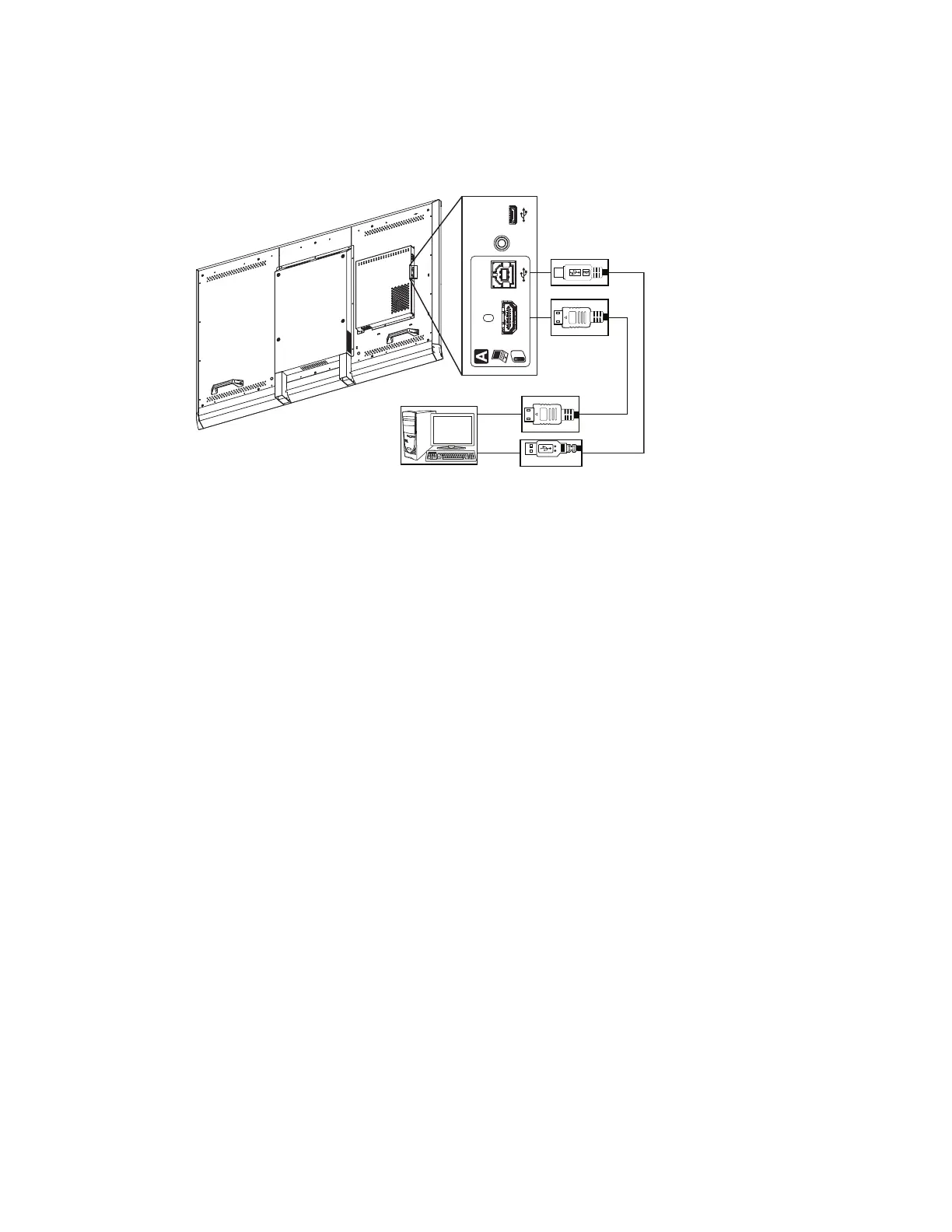
Using the USB and HDMI cables, connect the computer to the USB receptacle and the HDMI
connector on the left connector panel, which is located on the back of your interactive flat panel.
Audio
Out
Service
HDMI
Audio
Out
Service
HDMI
Connecting external speakers
Your interactive flat panel has two 10 W speakers on the left and right sides. You can connect
external speakers using the stereo 3.5 mm connector on the left connector panel.



 To Next Page