Chapter 5
Troubleshooting
smarttech.com/kb/171555 71
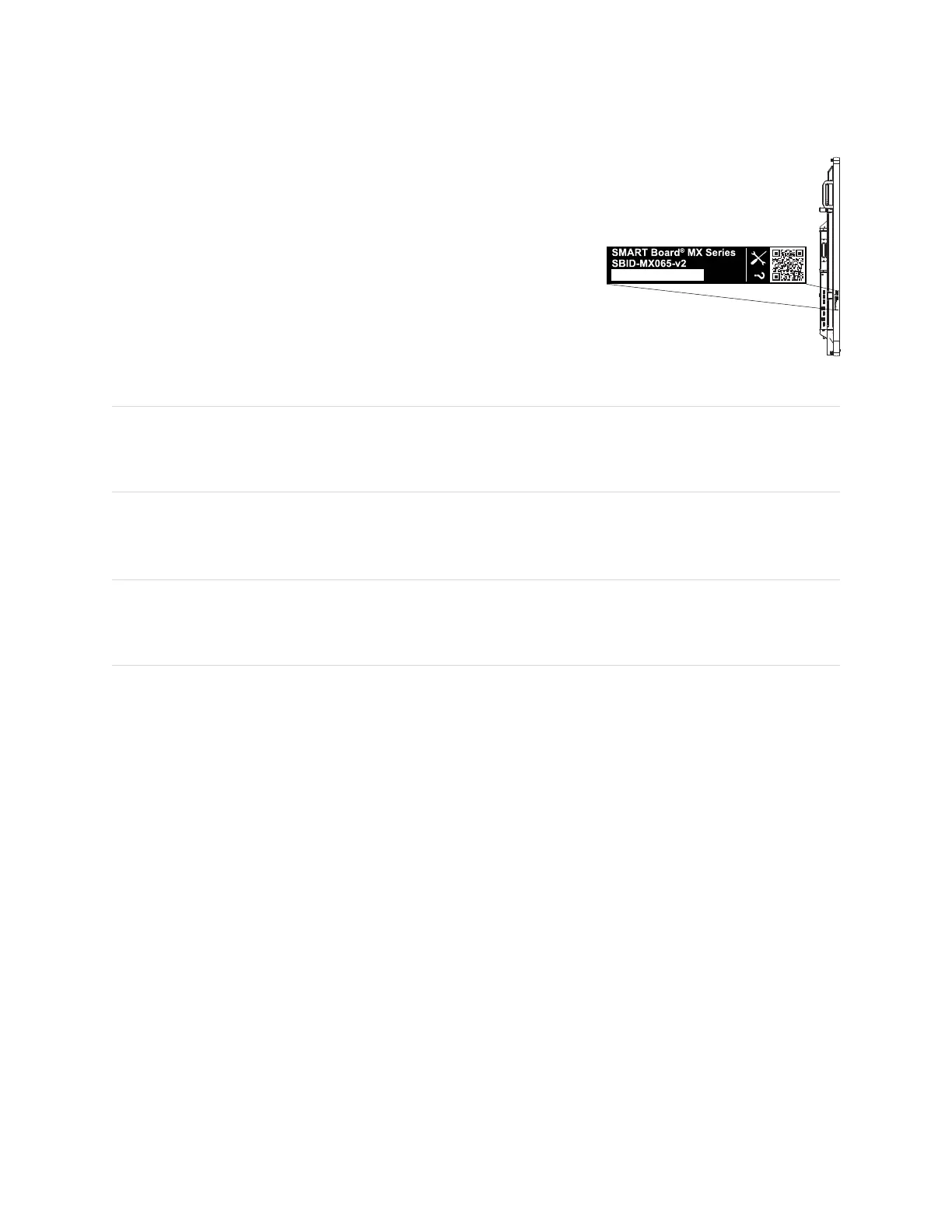
For SMARTBoard MX (V3, V2 and V2-C) series displays, the serial
number is on a label located on the left side of the display (pictured).
TIP
Scan the QR code on the label to view the SMARTBoard MX or MX Pro series interactive display support
pages on the SMART website.
For SMART Board MX series displays, the serial number is on labels located on the bottom frame and the
back of the display.
NOTE
To find the serial number for the iQ appliance and Intel Compute Card, see Getting support and finding
serial numbers for your iQ appliance and Intel Compute Card.
You can also find the serial number in the settings (see Appendix A: Adjusting iQ settings on page72).












 To Next Page