Warning: Reading fault codes when troubleshooting a vehicle is only a small step in the overall
diagnostic process. Vehicle fault codes are provided as a reference only and parts cannot be
replaced directly based on the fault code definitions given. Each fault code has a test procedure,
and the service technician must strictly follow the operating instructions and procedures described
in the vehicle service manual to identify the root of the malfunction.
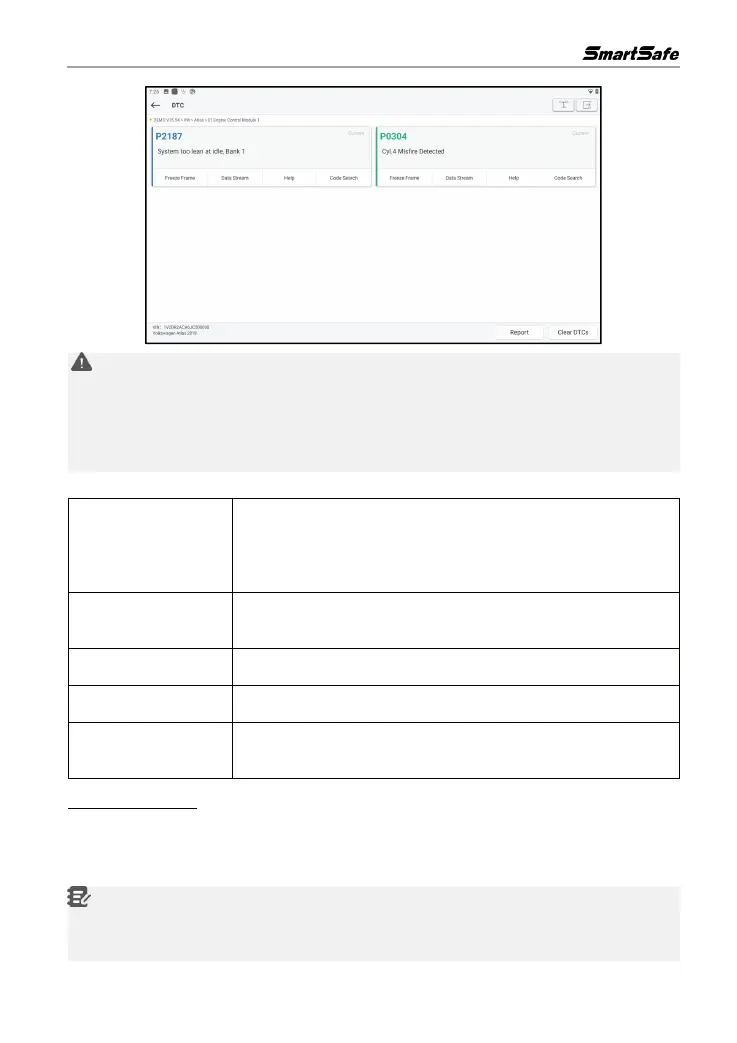
Screen button instructions:
If the button is highlighted, then it means there is freeze frame
information. The freeze frame function is to record the values of some
specific data stream at the moment when the car breaks down for
verification.
Click to read and display the car ECU real-time operation data and
parameters.
Click to view the possible causes of the fault code.
Click to search for a specific explanation of the DTC online.
Save the current inspection results as the inspection report. All test
reports are stored in the "Report Center".
C. Clear Fault Code
The function is used to clear the fault codes stored in the ECU of the testing system.
Click Clear Fault Code on the test item selection page, the system will pop up a dialog box of
confirm clearing, click Yes to confirm clearing the fault codes.
Notes: For general models, please strictly follow the regular order of operation: first read the
fault code, then clear the fault code, trial test, read the fault code again for verification, service the
vehicle, clear the fault code, and trial test again to confirm that the fault code no longer appears.



 To Next Page