Notes:
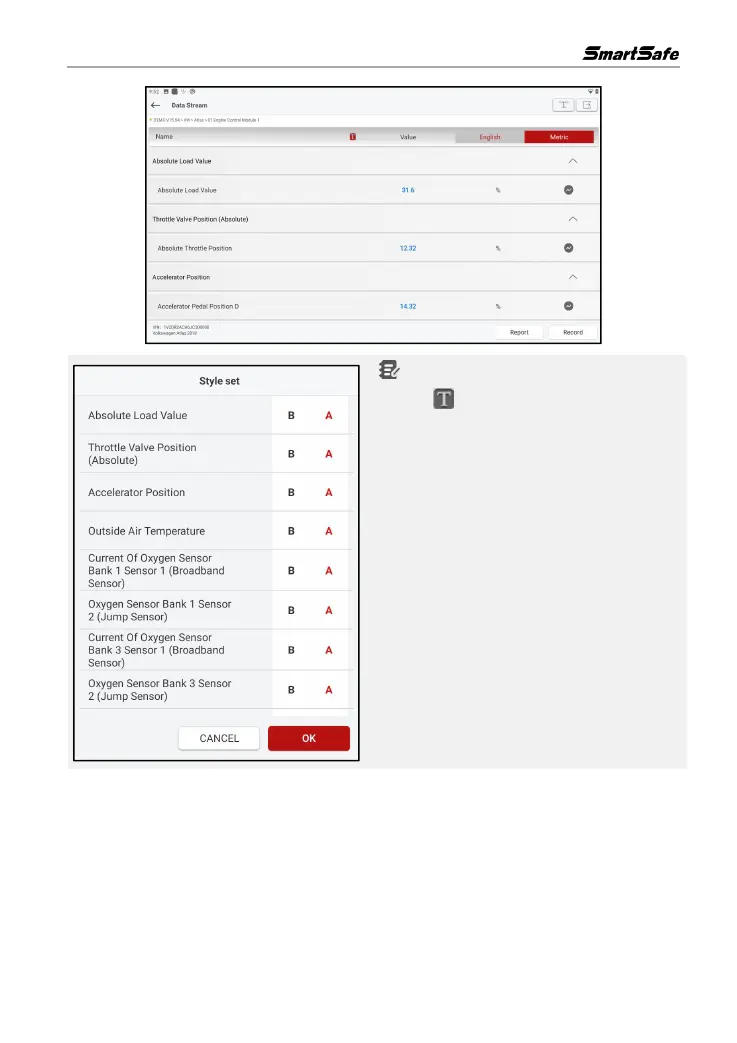
1. Click , the left popup will appear on the
screen:
Users can set different display styles for each
data stream option according to personal
preferences.
B Indicates that the current data stream will be
displayed in bold.
A Indicates that the current data stream will be
displayed in red.
2. Tap English / Metric to switch units.
3. If the read data stream value is out of the
standard value range, the data stream is
displayed in red.



 To Next Page