Set the correct heating temperature according to the information
provided by the filament manufacturer.
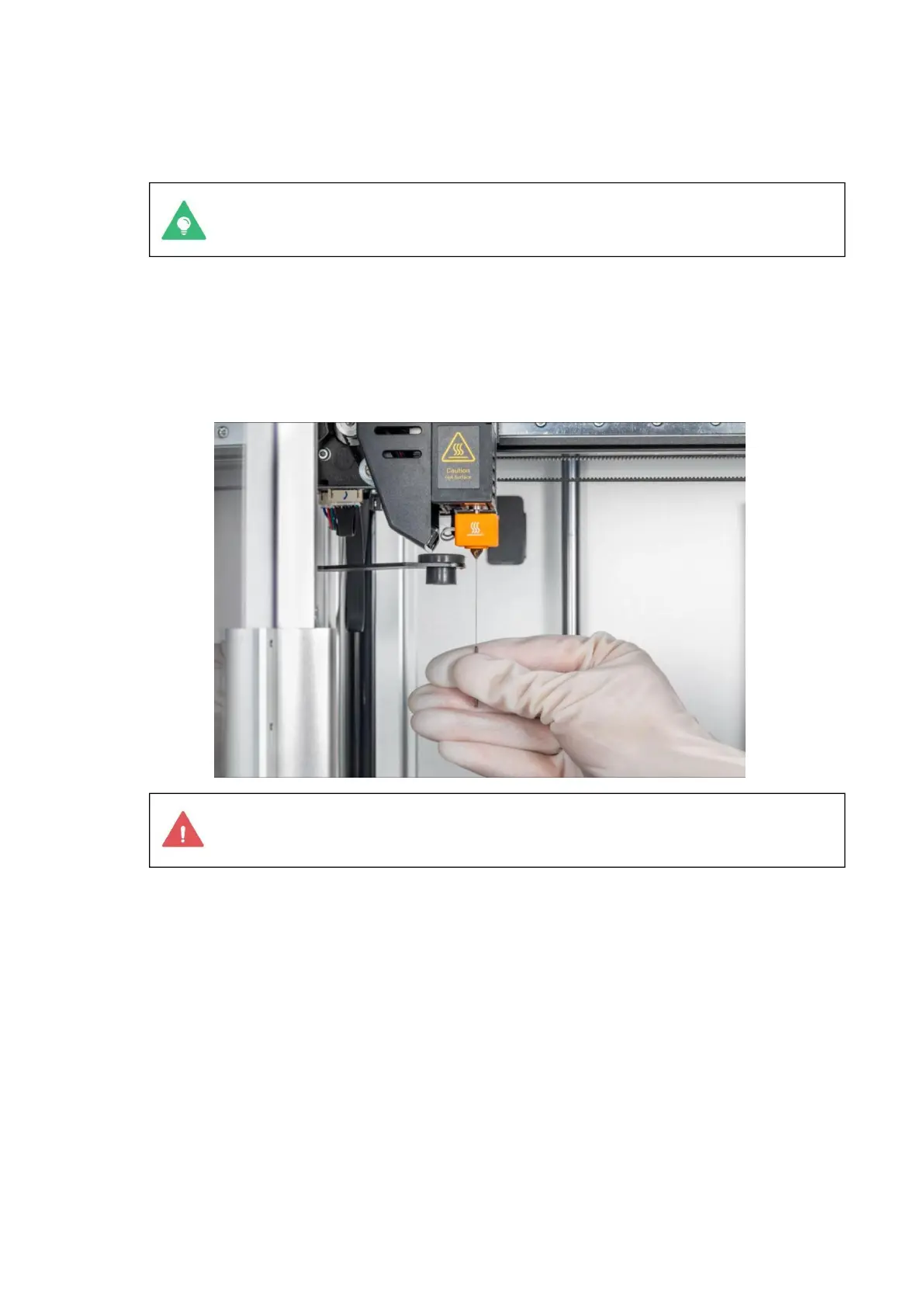
The nozzle is hot, so be careful during operation to prevent
burns. It is recommended to wear insulated gloves for operation.
b) Start the printer, click Control > extruder on the touchscreen, and heat the nozzle to
200 °C (392 °F).
c) After the nozzle reaches the target temperature, insert the needle into the end of
the nozzle from the bottom and carefully unclog it up and down until the blockage is
removed.
d) Reload and observe the extrusion. If no filament is extruded or the extruded filament
is fine, repeat the first two steps. If the filament is successfully extruded, the
nozzle has been successfully unblocked.
e) If the blockage in the nozzle cannot be removed after repeated attempts, replace the
hot end.
Overflow or wire drawing
Filamentous filaments sometimes appear on 3D printed products, usually because the
filaments are still flowing out when the extruder is empty.
Possible causes
1. The print temperature is too high.



 To Next Page