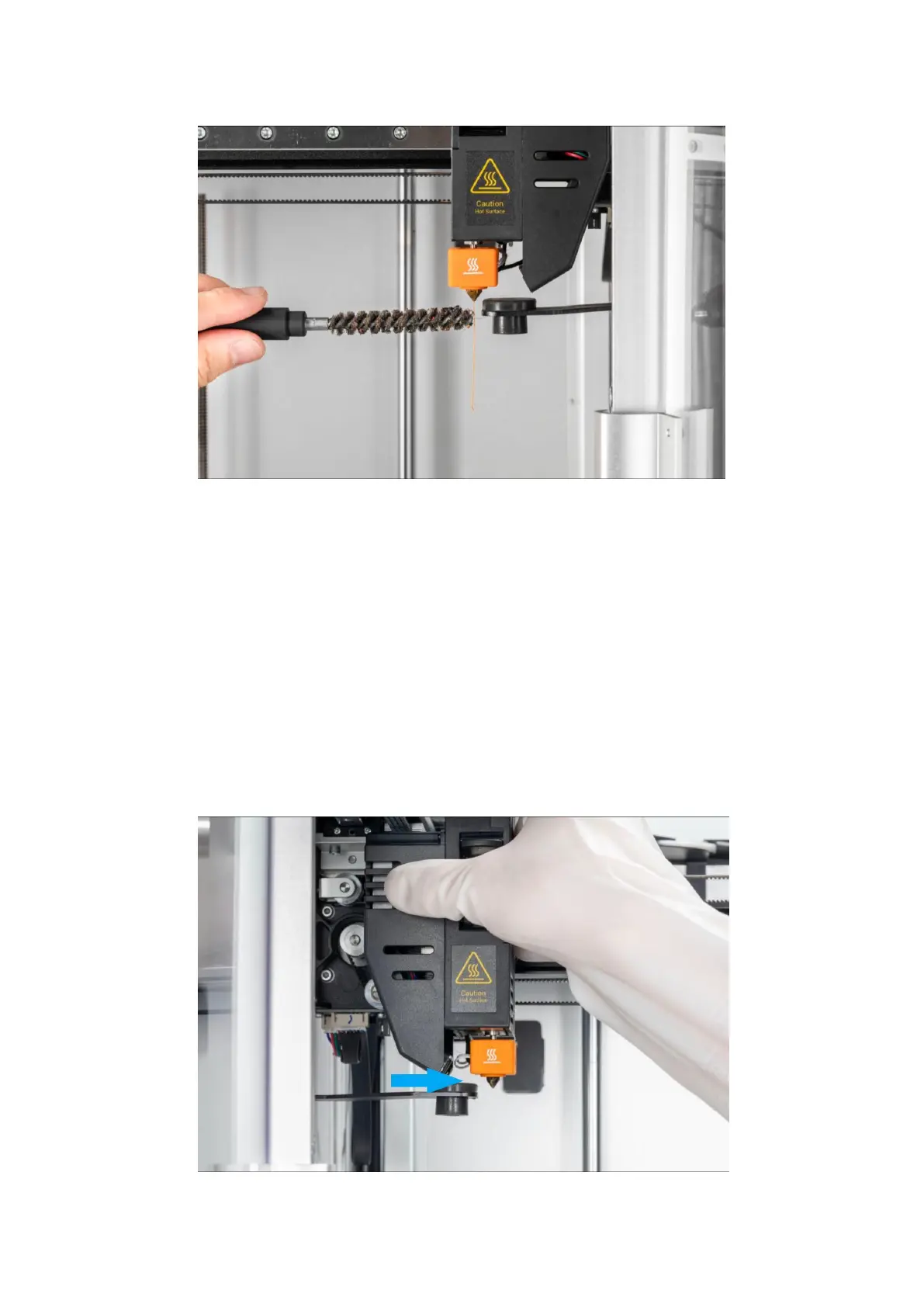
Manual loading
In manual loading mode, after the filament is inserted into the extruder and
engaged, you need to continue to insert the filament manually and forcefully
until the filament flows out of the nozzle. To perform manual loading, proceed as
follows:
1. Click Control > Motor, then click to turn off the motor.
2. Manually move the extruder out of the position above the nozzle wipe carriage.
3.
Tap Control > extruder > Slide to Target Temperature > Tap Heat.



 To Next Page