Different filaments require different heating temperatures. If the
temperature is not matched, the filament may not be extruded
smoothly. It is recommended to consult the information provided by
the filament manufacturer for more detailed guidance.
By default, the nozzle will be heated to 200°C (392°F). The Load
button can only be clicked when the nozzle has been heated to around
the preset temperature.
4. Remove the top panel and hang the filaments on the filament holder.
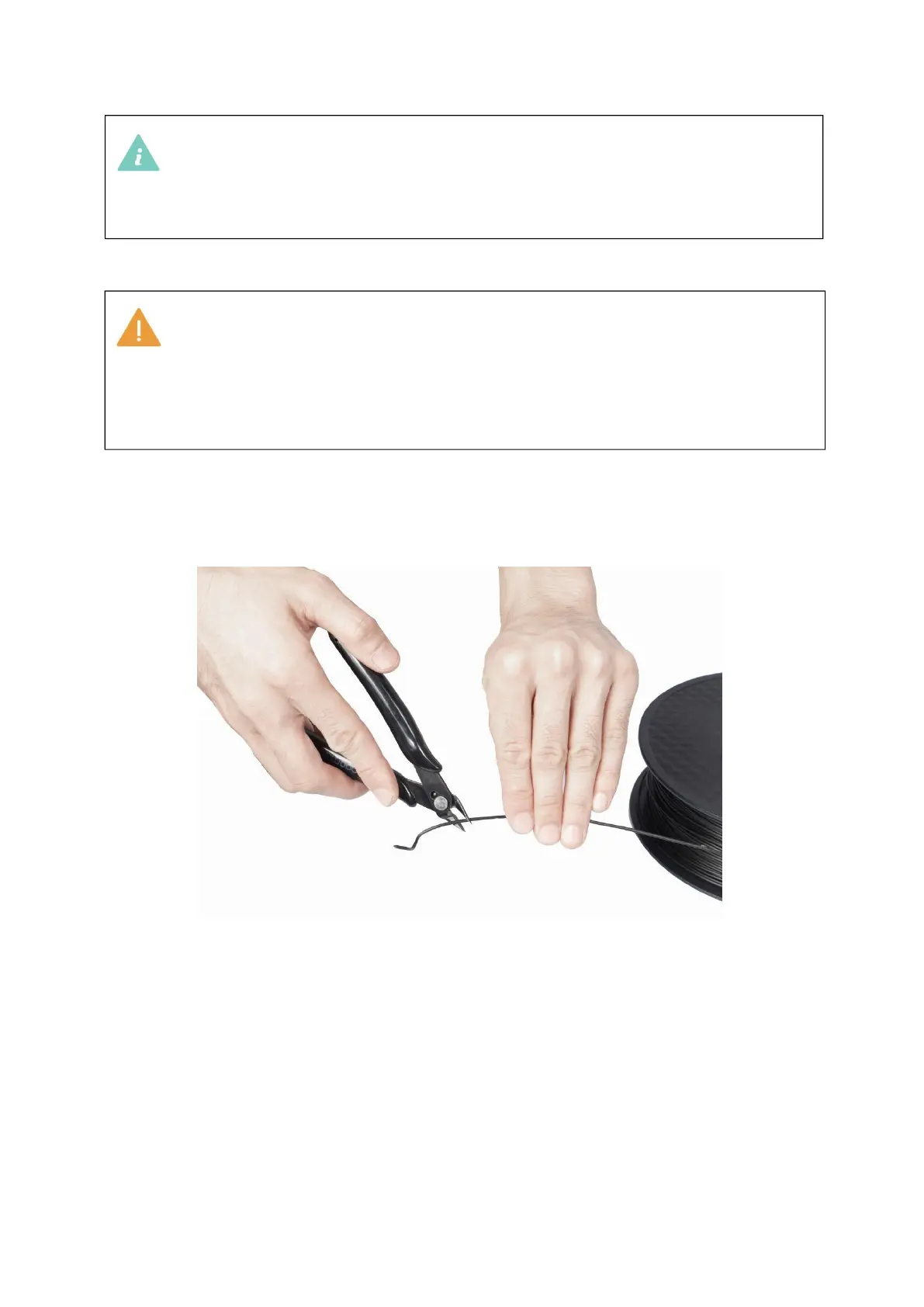
5.
Trim the filament ends with diagonal pliers to form a sharp angle of about 45°.
6.
Insert the filament into the filament entry until it protrudes from the other
end of the guide tube.



 To Next Page