During calibration, the nozzle shall rebound quickly after touching the
calibration point on the heated bed surface. If the nozzle does not
rebound quickly, clean the nozzle and recalibrate.
At each calibration and before each print.
Maintenance method
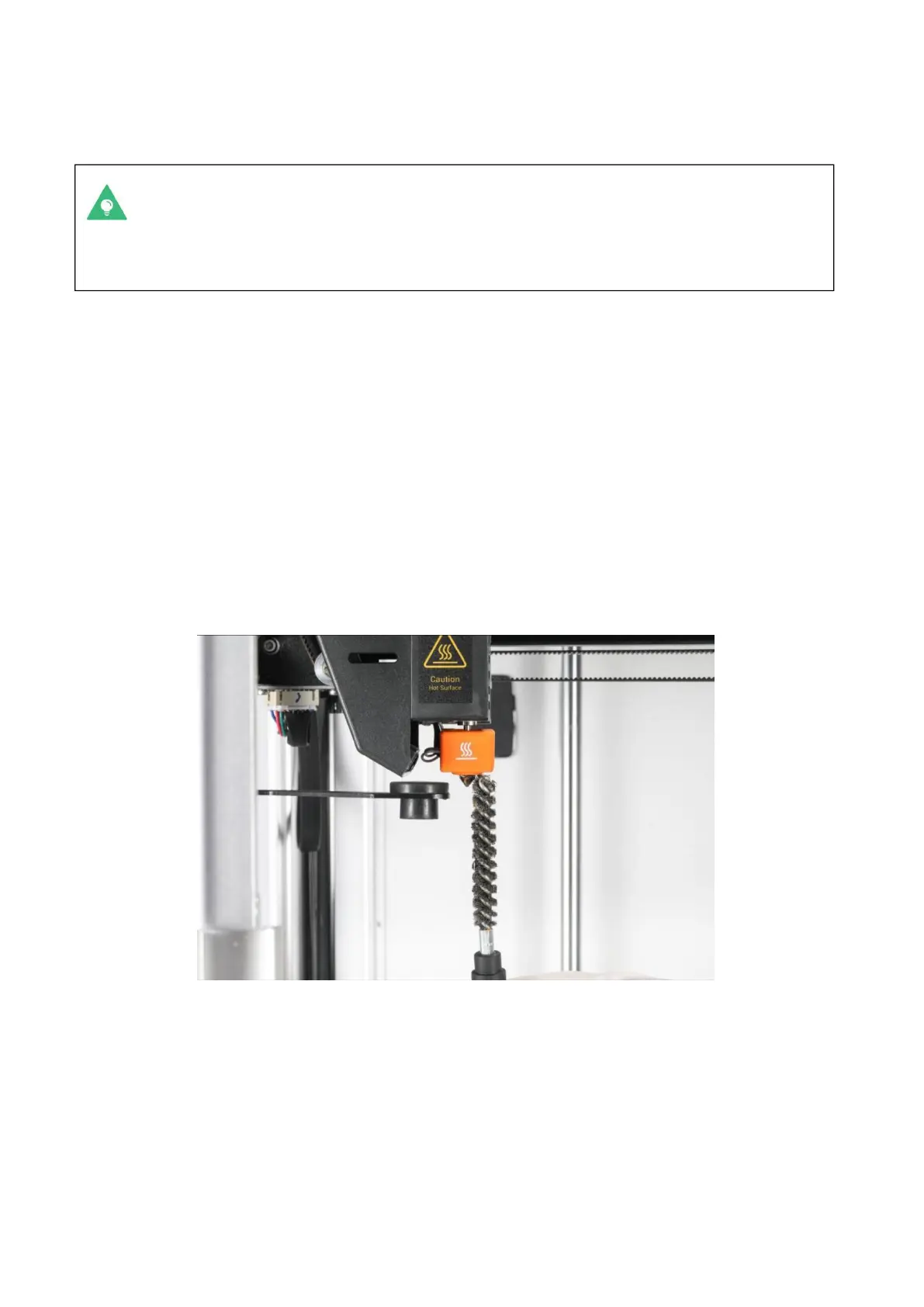
1. Prepare the cleaning tool: wire brush (provided, see tool box).
2. Start the printer, then on the touchscreen, click Control > extruder and heat
the extruder to be cleaned to 200 °C.
3. After heating, gently scrape the surface of the nozzle with a wire brush along
the front, back, left and right directions until there is no visible residue. Try
to avoid scraping the end of the nozzle with a wire brush to avoid wearing the
nozzle.



 To Next Page