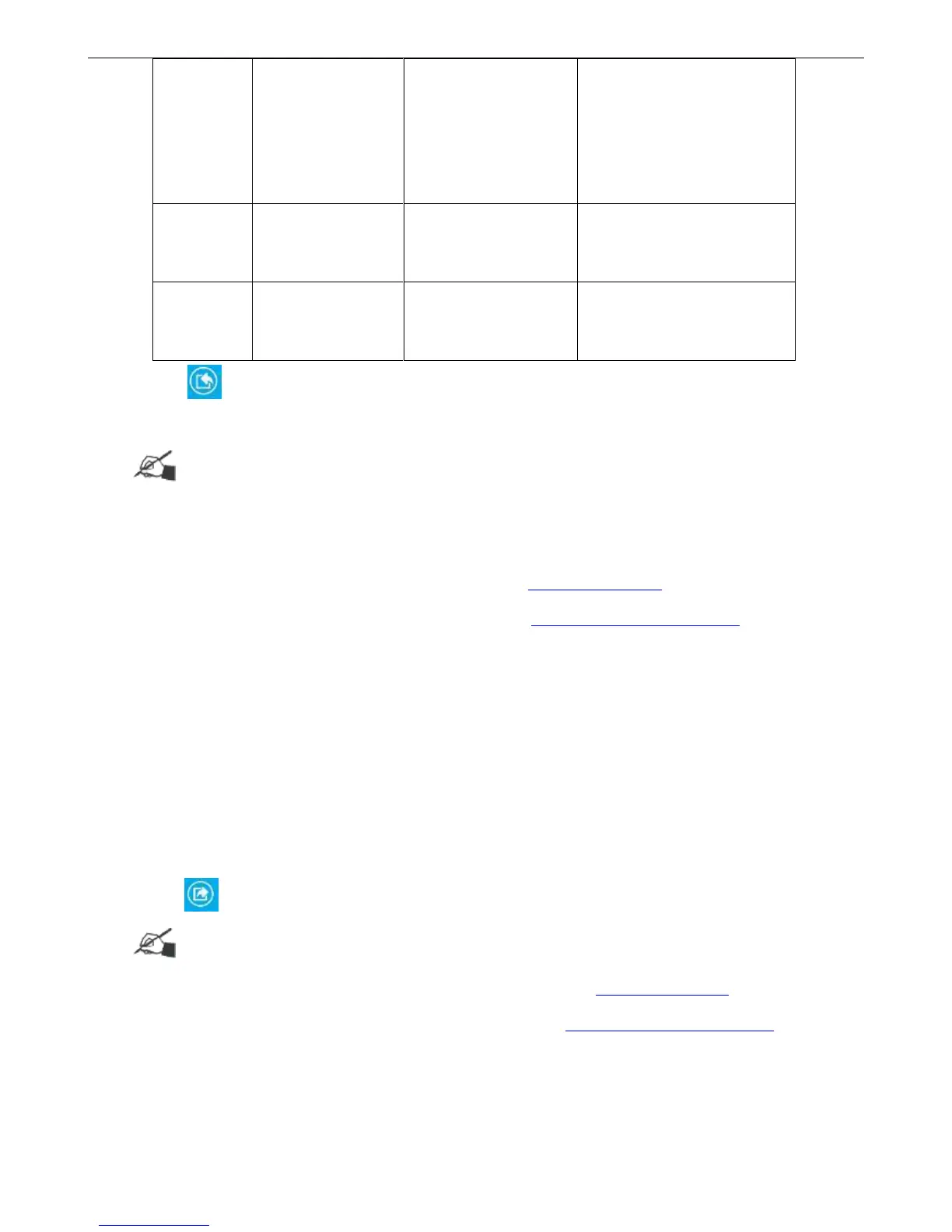
If restored image is with the
same file name as original,
only add non-duplicate files,
the image with same file name
excluded
Click 【Recovery】to perform recovery operation. After recovery successfully, the device will
reboot automatically, then the content of device will correspond with original file.
Tips:
Save recovery file under the path: Inkjet/Backup/
It is impossible to recover for File name exceeds 30 characters or contain symbols “\/:*?"<>|”
Data import via function of【Message】, please refer Data Management for details.
Images import via【Tools】>【Image】, please refer How to manage local images for details.
3.4.2 Backup Data / Images / Print Parameters / System Parameters
Insert U disk, click【Tools】>【Backup】
Click required backup option, multi-optional available (backup will be failure if not select any
options,)
Backup name is available for 30 characters limit, English, numbers, symbols ( Except“\/:*?"<>|”)
and Chinese, the backup name cannot be empty.
Click 【Backup】 and backup finish, save path under : Inkjet/Backup/
Tips:
Backup files through export function of data list, please refer to Data Management for details
Backup images through image management, please refer to How to manage local images for details



 To Next Page