57
Click 【Upgrade】to select font from USB to upgrade and after upgrade, the printer will restart.
Can upgrade 3 fonts, click【Delete】to delete font
Upgrade Input method
Insert USB with font file (File stores in USB under: Inkjet\Upgrade\Keyboard\)
Click 【Input】 to select input method, the list shows the upgraded input method, the default is
English.
Click 【Upgrade】to select input method from USB to upgrade and after upgrade, the printer
will restart.
Can upgrade 3 input methods, click【Delete】to delete.
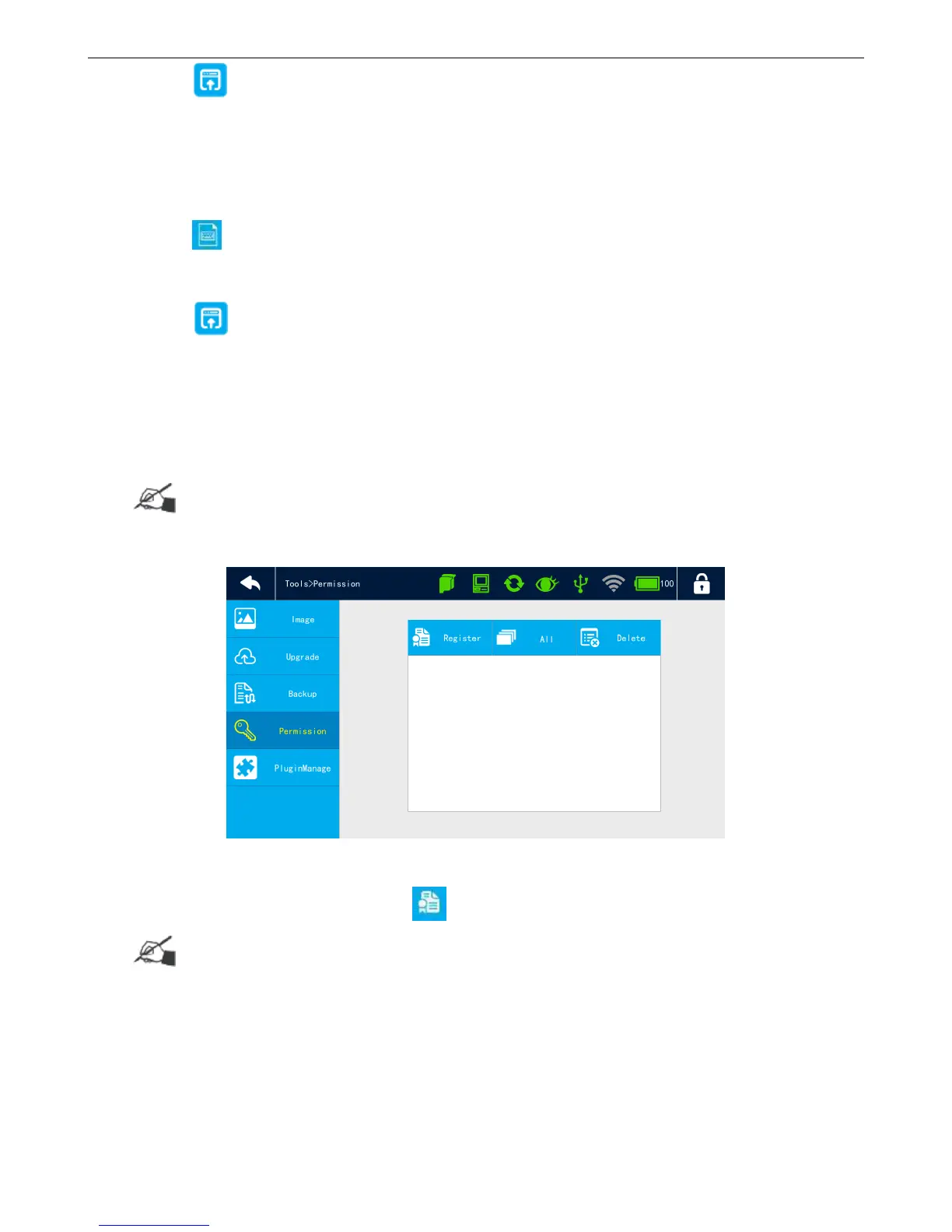
4.6.3 Permission
Some features need to be registered before use.
【Tools】>【Permission】
Register
Insert USB with registration file, click to select file to do registration.
Precaution:
Can register more features in one printer.
If registration code is expired, the registration icon will disappear and you need to do registration
again.
Select All



 To Next Page