59
Cartridge icon color
Grey: No cartridge
Green: Normal
Orange: Ink ran up to 95%--warning
Red: Empty cartridge or error cartridge
Display cartridge info
Ink status, Cartridge SN, Client Code, Ink type, Volume, Used percentage, Data points
Clean printhead
Click to clean printhead when it is not printing.
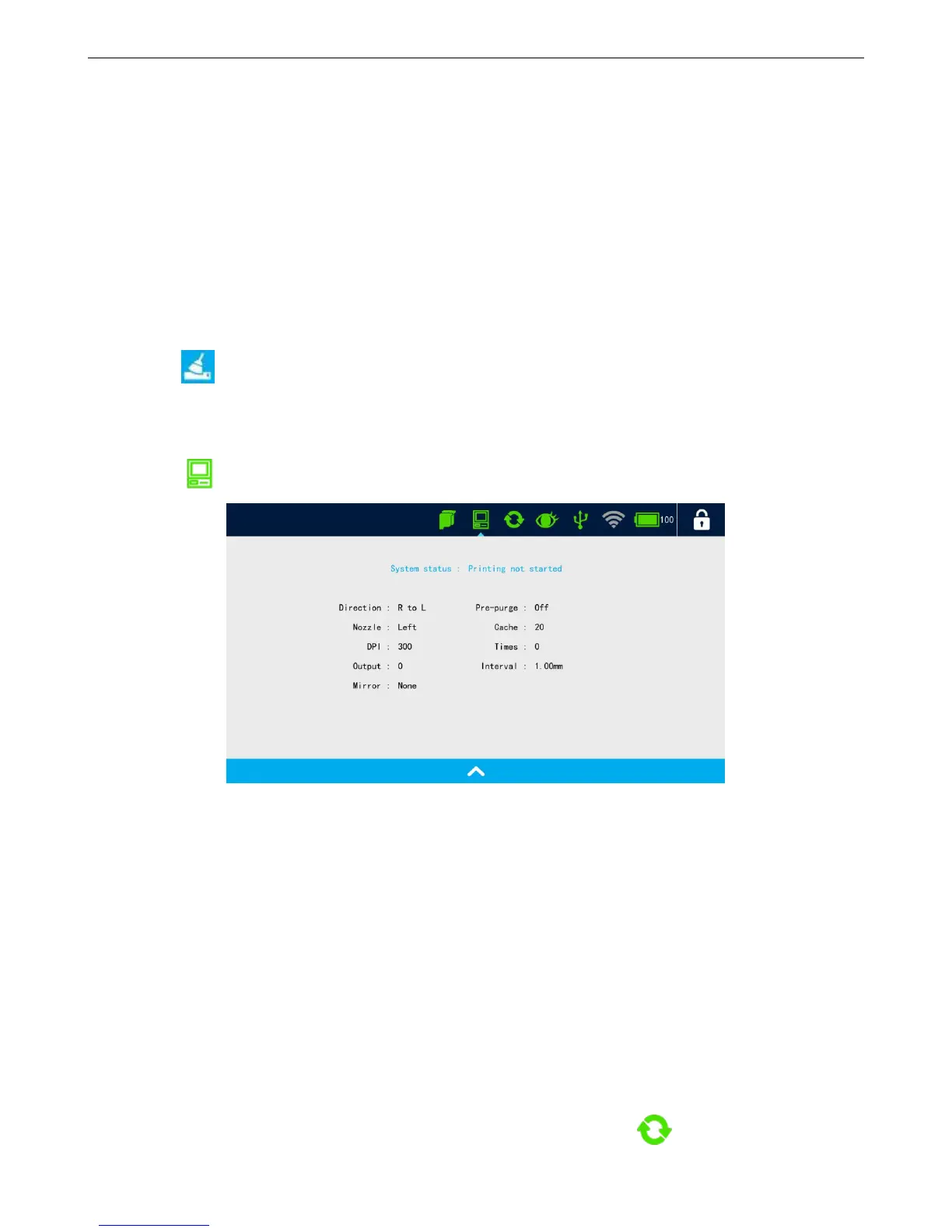
4.7.2 System status
Click to display system status
System status color
Green: Normal
Red: System time reset, FPGA error, etc.
Display system info
System status, MSG name, Direction, Print nozzle switch, DPI, Output, Pre-purge, Print cache, Times
(Continuous printing), Interval, and Mirror.
4.7.3 Encoder information
Displays encoder connection status, when encoder is connected, click icon, encoder signal test



 To Next Page