33
Lock scale: The proportion of font height and width. After select this function, when modify the font width or
height, the font will be proportionally adjusted. Tips: If the data location beyond the canvas, it will turn yellow,
after saving only the content within the canvas can be printed.
【Rotation】
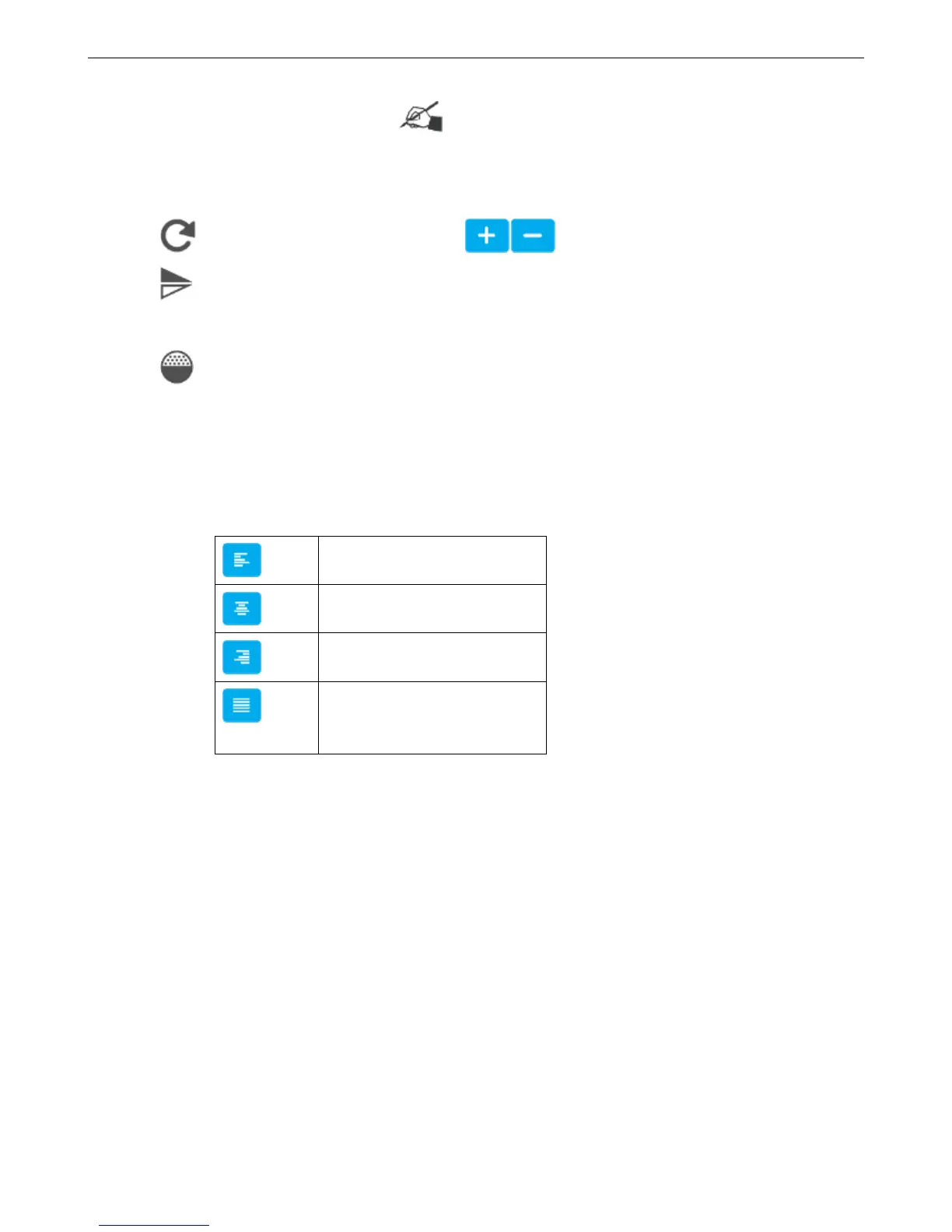
Rotation: Input range 0-359, also can click buttons to adjust.
Mirror: There are None, Horizontal mirror, Vertical mirror three options, click the drop-down button to
expand
Gradation: Printing darkness can be set within 10-100%.
【Paragraph】
Spacing: Distance between words, you can enter 0-100, one decimal place
Leading: The distance between two lines. Input range is limited depending on the canvas
Text Alignment Way:
Align multiple lines to the left
Align Multiple lines centering
Align multiple lines to the right
Align multiple lines left and
right justification
【Name】
It can be set to Chinese, English, numbers and symbols; cannot exceed 30 characters, empty and rename with added
object are not allowed.
4.2.4.2 Counter object
【Message】>【New】>【New object】>【Counter】
【Input】: Input contents represents the counter.
【Routine】:
Initial Value: begin value of the counter, range from -999999999999~+999999999999
Maximum Value: Maximum value, range from -999999999999~+999999999999
Repeat Value: range 0~9999
Step Value: for example: step value set to 3, counter will be 1, 4, 7,11…



 To Next Page