26
【Message】>【New】>【New Source】>【Scan print】
【Edit】:
Preview: The contents of the MSG preview, cannot be print out. Can enter any characters except the
newline.
【Other】:
【Auto Sleep】: Make the device into the low power state. Default value is 1s, the range is 1-60s.
【Read Time】: Default value is 3s, the range is 0-3600s.
【Error Info】: Need to turn on the right switch before use. Only support for input in English.
Name: Maximum 30 characters.
Click 【Return】to save scan source.
Add Scan Print Source into New Text Object
Please refer to Create Text Object
Save Message
Please refer to Save Message
Print Scan Message
Click start to print, shake the printer the scan light will on, after scan the barcode, light will be off, push
the red button, the message will be printed. If not recognize the barcode, printer will scan for several times,
if no sense for 10s, scan light will be off as well.
Note: One message can only contain one piece scan print source, user can set the scan cache numbers,
the scan message can only print once.
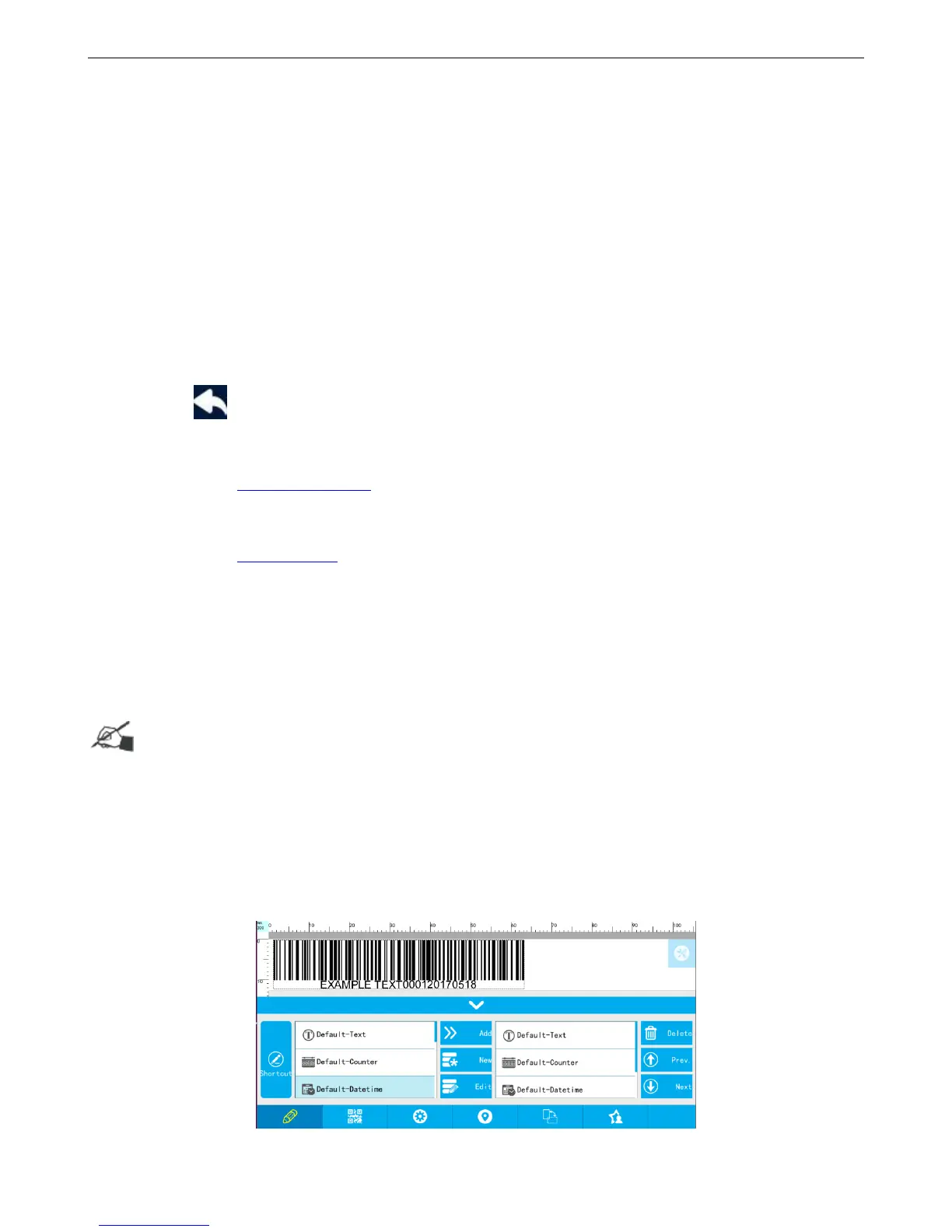
4.1.11 Add Barcode
Create Barcode Object
【Message】>【New】>【New object】>【Barcode】



 To Next Page