58
Click 【Select All】, all features in the list are checked, can be deleted.
Delete registration
Click to delete registration.
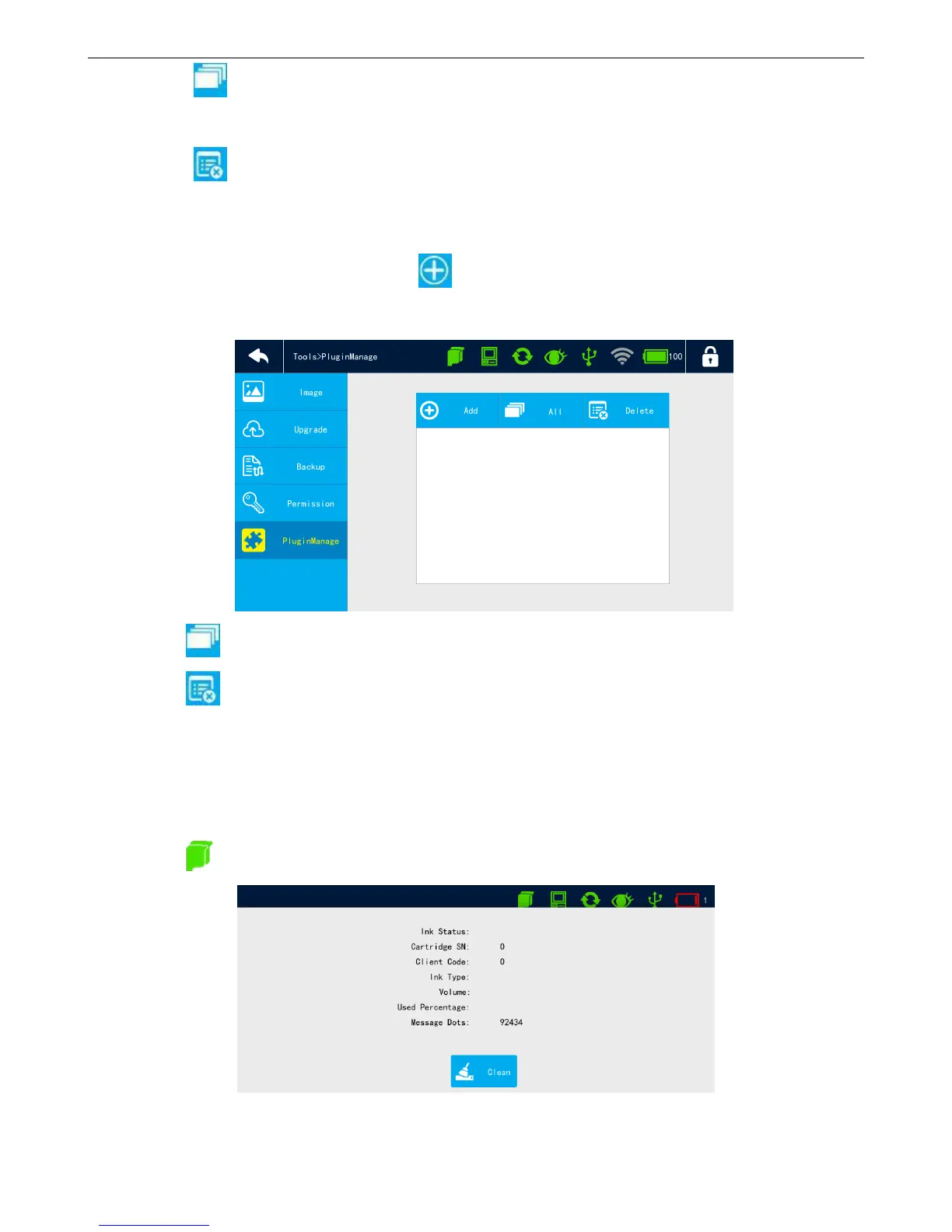
4.6.4 Plugin Management
Insert USB with plug-in file, click 【Add】to select file to add plugin, after add plugin
successfully, shows in the list.
Click 【Select All】, all plugins in the list are checked.
Click 【Delete】to delete the selectable plugin in the list.
4.7 Status bar
4.7.1 Cartridge status
Click to display cartridge status.



 To Next Page