41
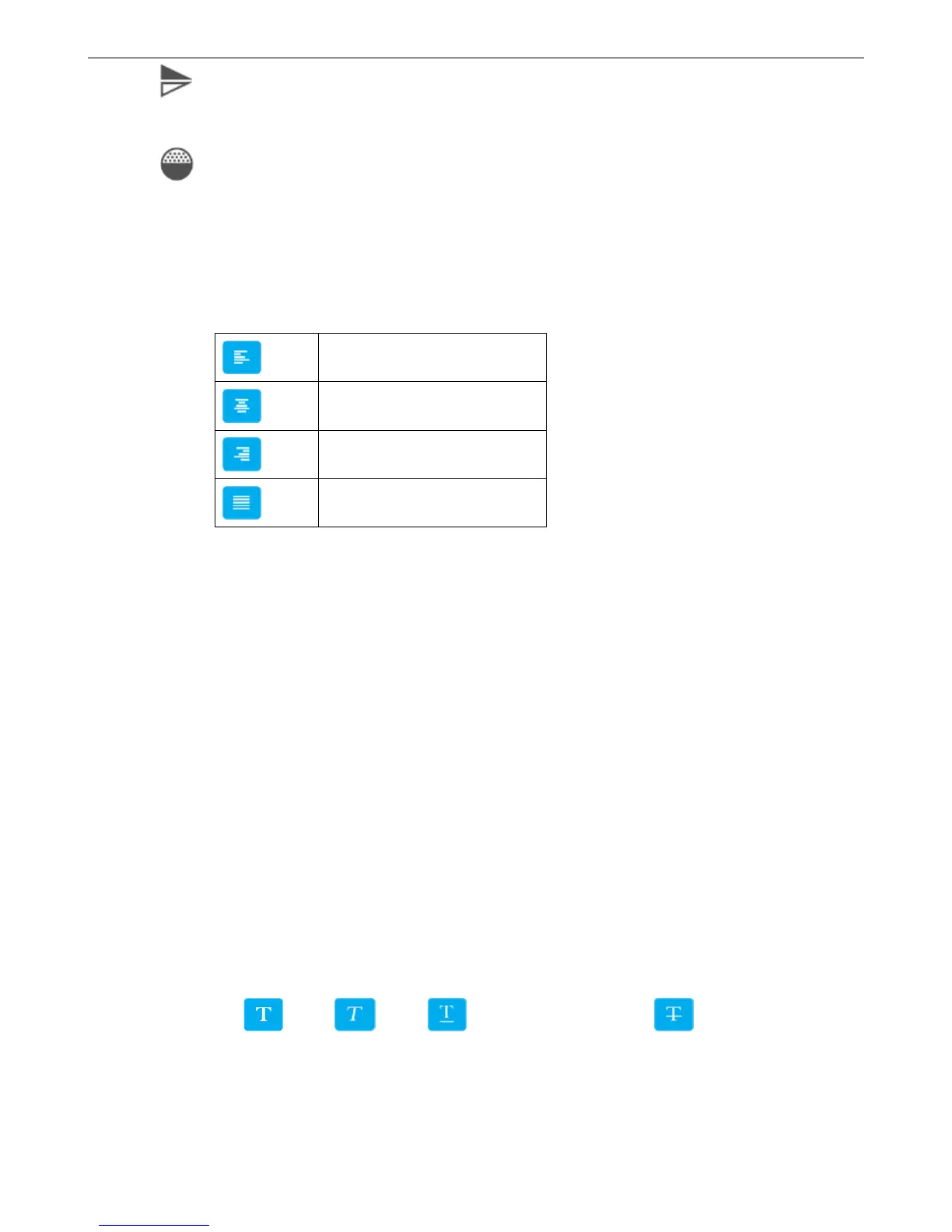
Mirror: There are None, Horizontal mirror, Vertical mirror three options, click the drop-down button to
expand
Gradation: Printing darkness can be set within 10-100%.
【Paragraph】
Spacing: Distance between words, you can enter 0-100, one decimal place
Leading: The distance between two lines. Input range is limited depending on the canvas
Text Alignment Way:
【Name】
It can be set to Chinese, English, numbers and symbols; cannot exceed 30 characters, empty and rename with added
object are not allowed.
4.2.4.5 Scan print object
【Message】>【New】>【New object】>【scan print】
【Input】: Input contents represents the scan object.
【Routine】:
Auto Sleep: Make the device into the low power state. Default value is 1s, the range is 1-60s.
Read Time: Default value is 3s, the range is 0-3600s.
Error Info: Need to turn on the right switch before use. Only support for input in English.
【Character】:
Font: Select the font.
Size: Set the font size.
Font effect: Bold, Italic, Add under horizontal line, Add font with horizontal
line
Cut Edge: Set whether the objet with white lace.
【Location】



 To Next Page