60
interface appears.
4.7.4 Photocell information
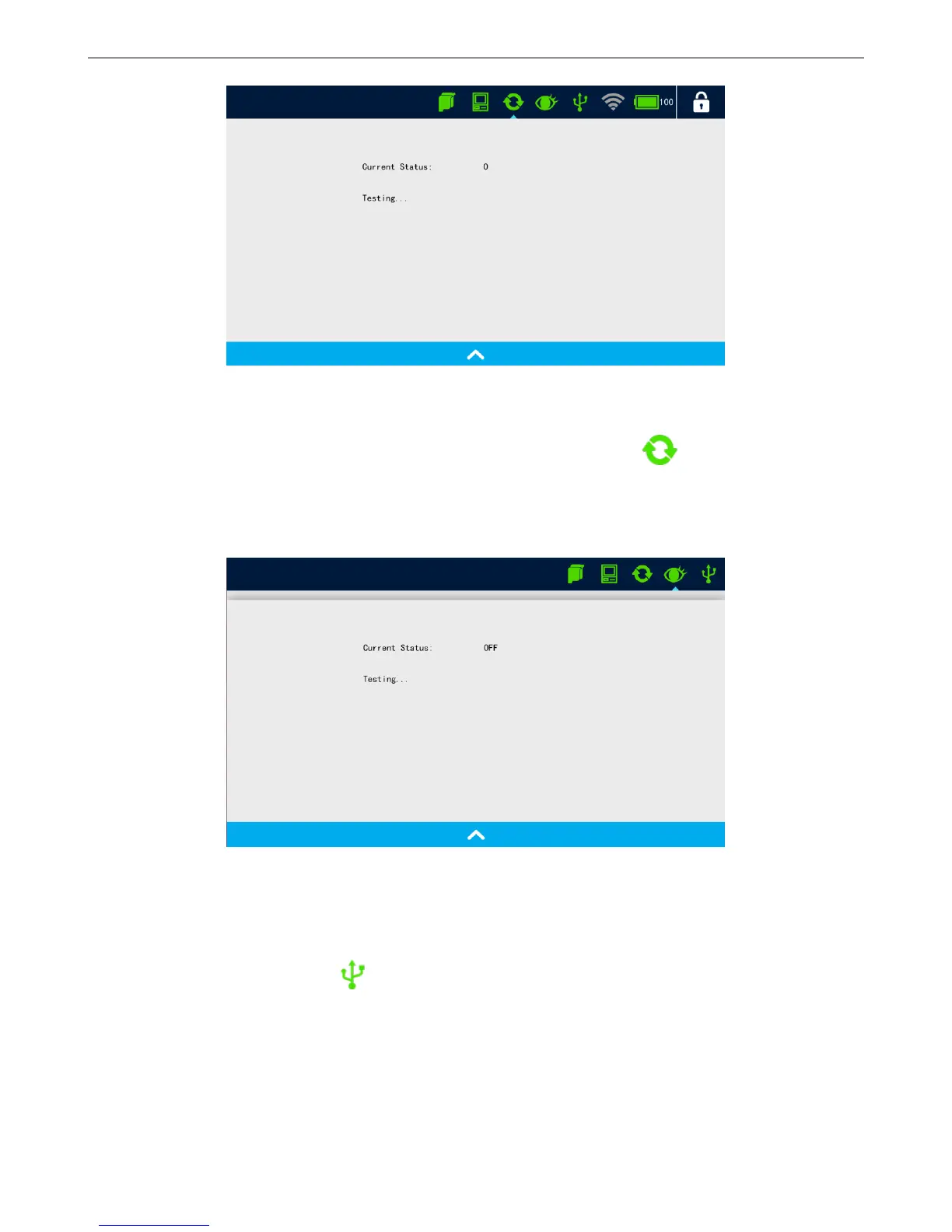
Displays photocell connection status, when photocell is connected, click icon, encoder signal test
interface appears.
Currents Status: Press the print switch, the current status shows OPEN, release the print switch, the
current status shows OFF.
4.7.5 USB Status
After USB inserted, click to display USB status.
USB info: USB volume, USB space occupied, USB space remained.
4.7.6 Battery Indicator



 To Next Page