56
Import picture format: bmp/jpg/png/gif
Export images
Insert USB and click to export images, the default path is(Inkjet/Logo/ )
Delete images
Select images and click to delete images.
All selected
Click to select all.
Cancel selection
Click to cancel selection.
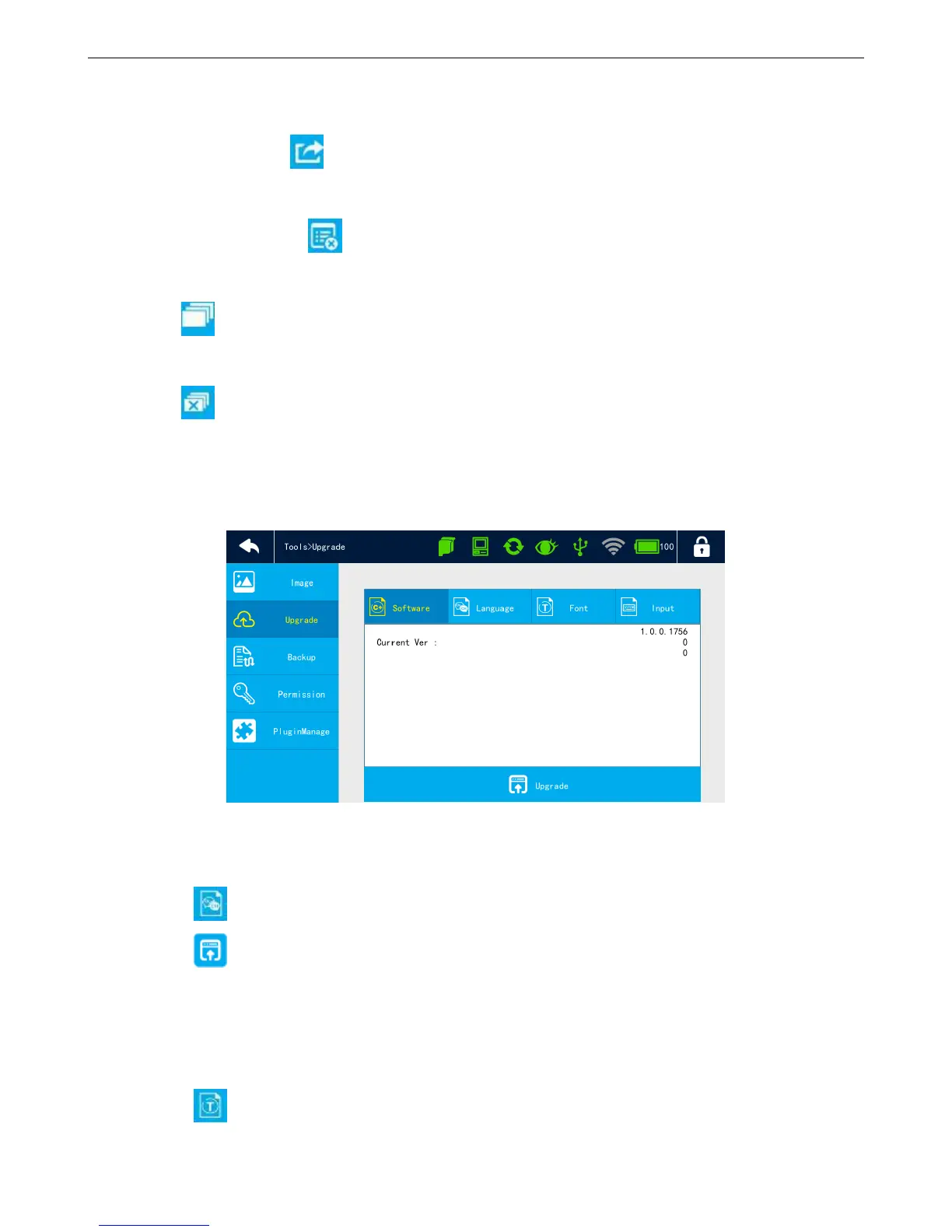
4.6.2 How to upgrade language/font/typewriting
【Tools】>【Upgrade】
Upgrade language
Insert USB with language file (File stores in USB under: Inkjet\Upgrade\Language)
Click to select language, the list shows the upgraded language, the default is only English.
Click 【upgrade】 to select language from USB and after upgrade, the printer will restart.
Can upgrade 3 different languages. Click 【Delete】 to delete language.
Upgrade font
Insert USB with font file (File stores in USB under: Inkjet\Upgrade\Font)
Click 【Font】 to select font, the list shows the upgraded font, default is the base.



 To Next Page