47
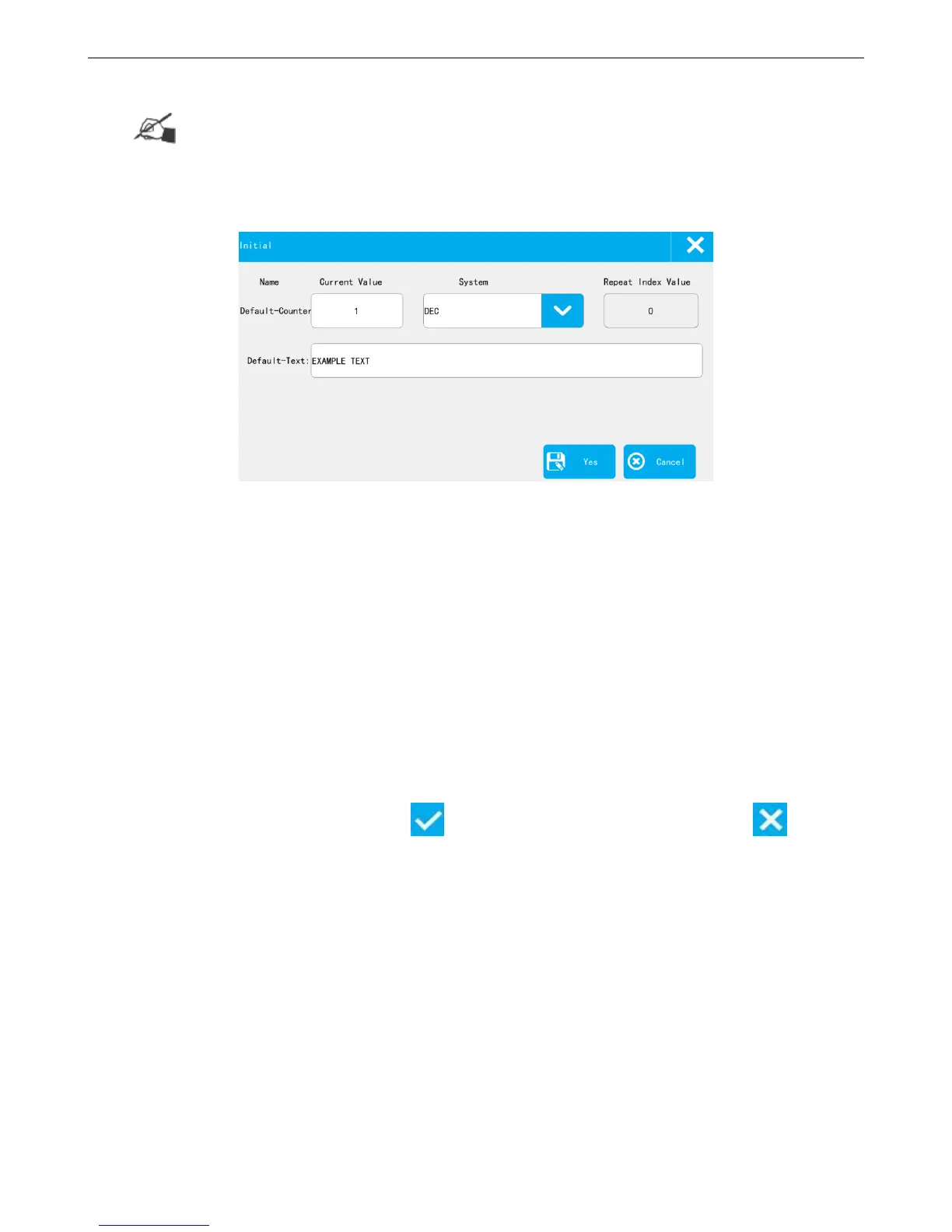
4.3.4 Initial Setting
Note: This function only valid while message contains counter /text source. After printing started,
this setting is not settable.
【Print】>【Initial】
Set the current value, index value of counter.
Current Value: the value will be printed after start printing, value need to be within the begin value and end
value.
System: User can choose the system in the pull-down menu.
Repeat Index Value: The next printing is the Nth time of the repeat value. The repeat value of counter source
need to be nonzero.
Set the text source, can modify the text content, the next printing content will be changed after saving
the settings.
After setting the current value, click to save, valid from next printing, or click 【Cancel】
to exit.
4.3.5 Printing Monitor
After start printing of a message which contains dynamic source (counter , scan, shift, date time, device
info), click【Monitor】 to check printing data and coming data.



 To Next Page