46
Select the message, and click 【Start】
After start printing, printing report will pop up, 【Start】button change to【Stop】, then after get the
sensor signal, message will be printed.
Click【Stop】, printing report will disappear, button will go back to【Start】.
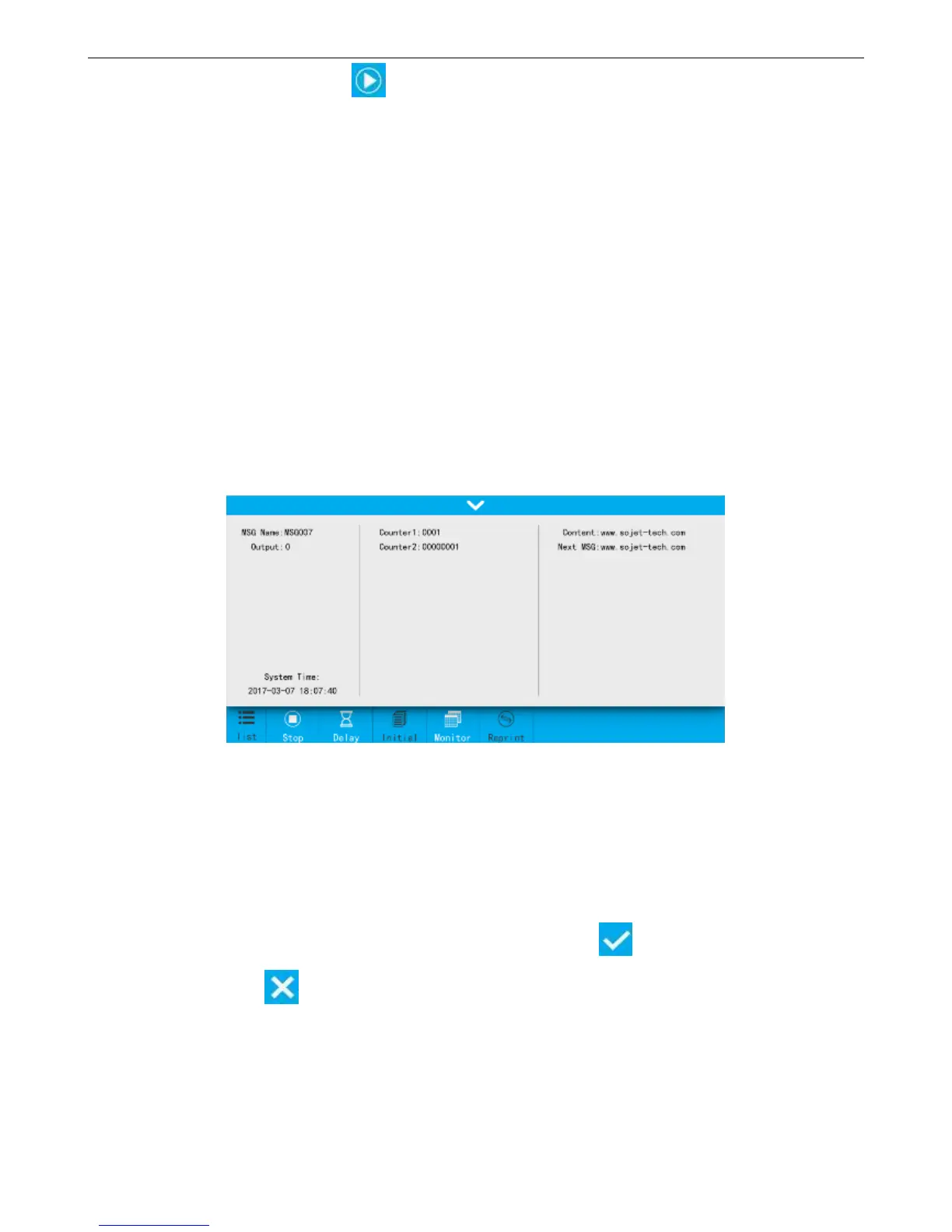
4.3.2 Printing Report Display
While printing is on, user will see the below information from the printing report:
Left: Message name, counter, system time.
Middle: Dynamic source content in printing (only when counter, shift included in the message).
Right: Scan content, next printing content (only display while printing scanning information.)
Report content changes according to real time printing status.
Click the top arrow will hide the report, click again will display.
4.3.3 Printing Delay
Printing Delay: It is the distance from the point when photocell senses the printing object to the point
when printing starts. User can adjust the value to alter the print position on printing object.
【Print】>【Delay】
Value within 0-1000mm, down to the first decimal point. Click , save the setting and go back to
previous menu, or click to quit without saving.
Setting modification will be valid from next printing message.
Delay value also can be set after printing started.



 To Next Page