55
4.5.4 About
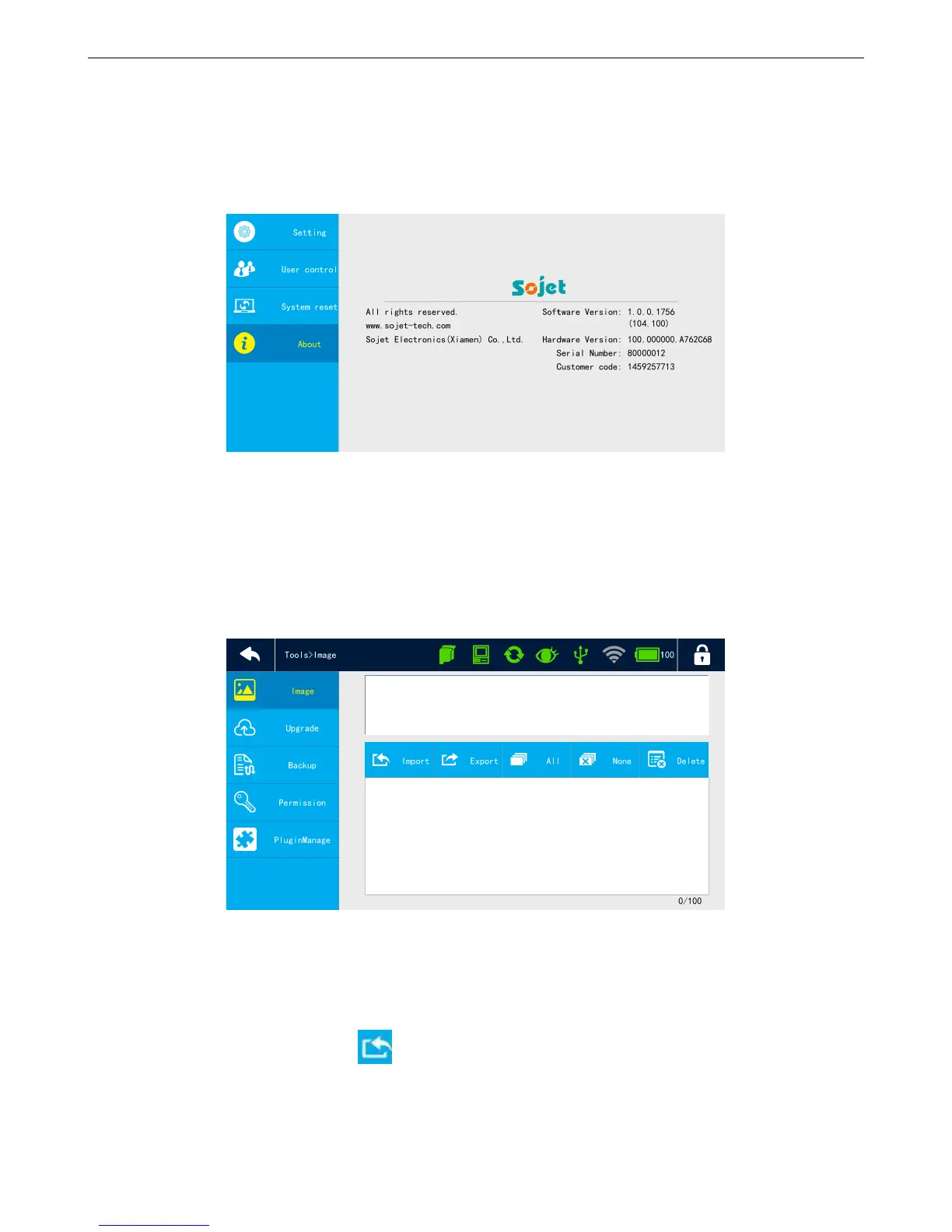
【System】>【About】
Display company name, website, company logo, software version, hardware version, device SN, and
customer code.
4.6 Tools
4.6.1 How to manage local images
【Tools】>【Image】
Preview image
Select images and it will show images for preview.
Import images
Insert USB with images, click to import images.
If pixels are more than 150*10000, it will import failure.
100 images maximum.



 To Next Page