35
【Location】
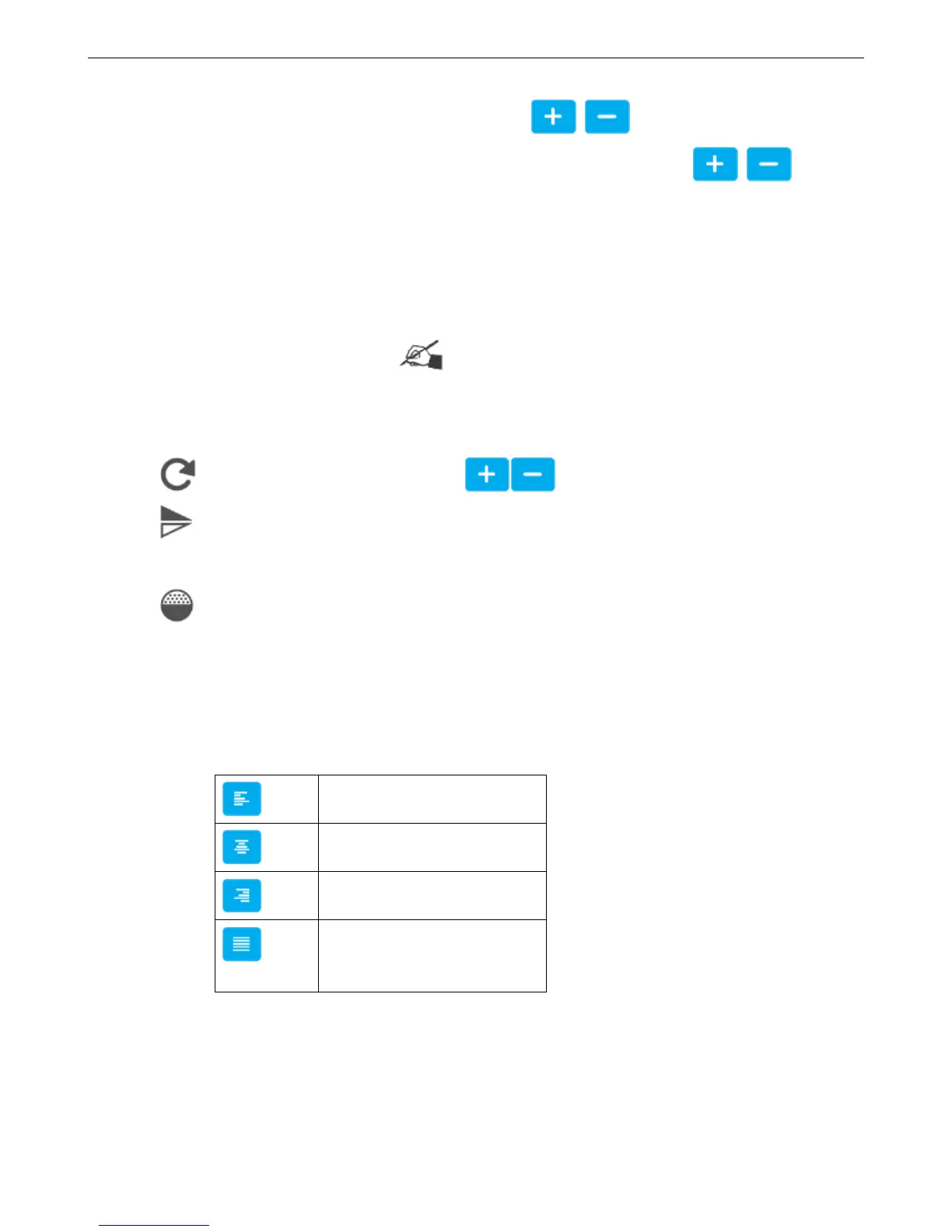
X axis coordinates: Input range -10-3000mm, you can click buttons to adjust slightly.
Y axis coordinates: Input range according to canvas amount limited, also can click buttons to
adjust slightly.
Width: You can enter 10% to 300%, the greater value, the larger width font.
Height: You can enter 10% to 300%, the greater value, the higher font.
Lock scale: The proportion of font height and width. After select this function, when modify the font width or
height, the font will be proportionally adjusted. Tips: If the data location beyond the canvas, it will turn yellow,
after saving only the content within the canvas can be printed.
【Rotation】
Rotation: Input range 0-359, also can click buttons to adjust.
Mirror: There are None, Horizontal mirror, Vertical mirror three options, click the drop-down button to
expand
Gradation: Printing darkness can be set within 10-100%.
【Paragraph】
Spacing: Distance between words, you can enter 0-100, one decimal place
Leading: The distance between two lines. Input range is limited depending on the canvas
Text Alignment Way:
【Name】
You can set Chinese, English, numbers and symbols; not exceed 30 characters, empty and rename with added object
not allowed.
4.2.4.3 Date/Time object



 To Next Page