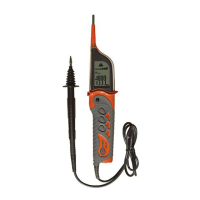
OPERATING MANUAL PAT-1, PAT-2, PAT-2E, PAT-10 version 1.02
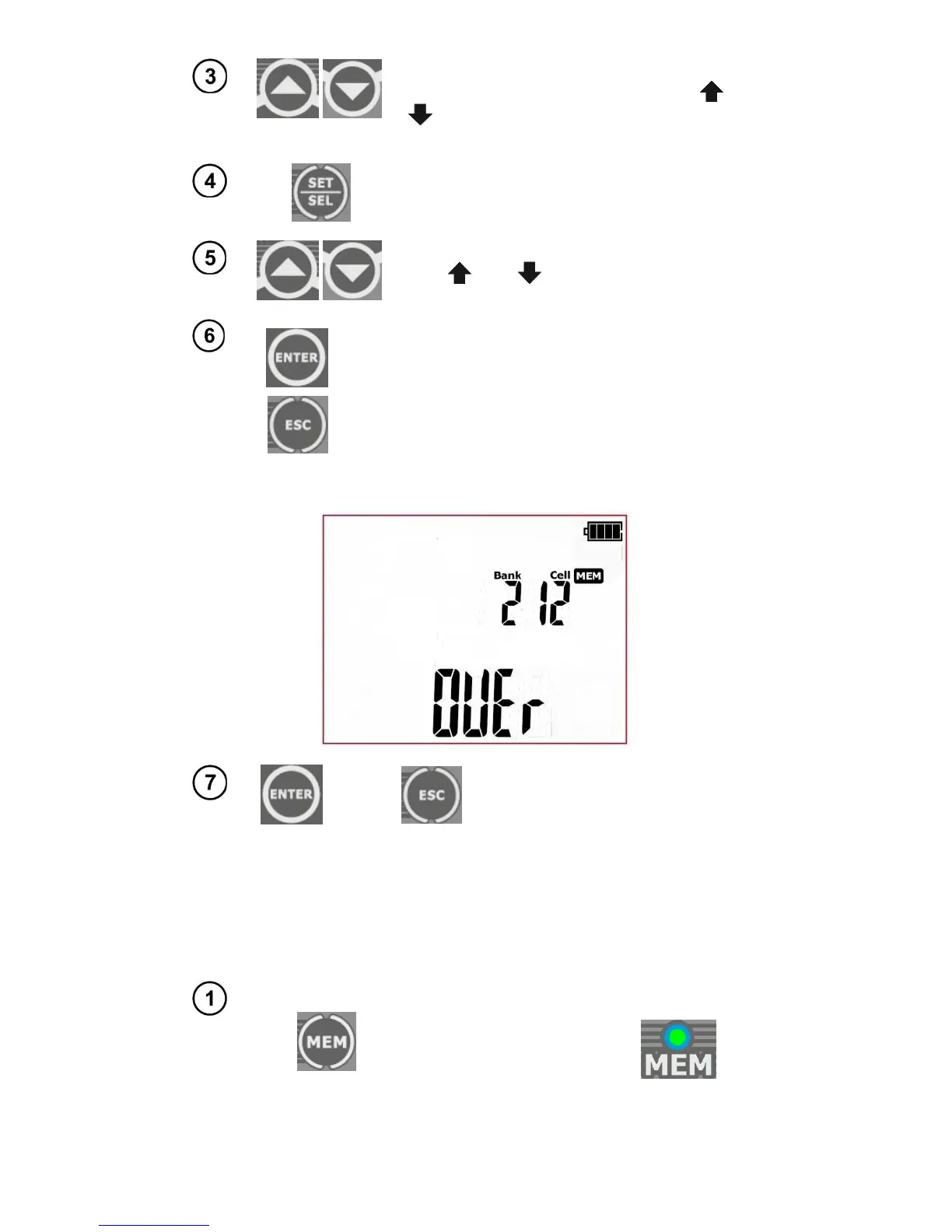
When the cell number is flashing, use and
buttons to set the desired number of the
cell.
Press SET/SEL button – bank number is flash-
ing.
Use and buttons to set the desired
number of the bank.
After selecting the desired bank and cell, press
ENTER button, to save the result in the memory.
Recording is indicated by a triple beep sound.
Press ESC to return to the measurement screen
without saving.
If you try to store data in an occupied memory cell, the following warning message will appear: OVEr
(reference to word OVERwrite):
Press ENTER, to overwrite the re-
sult or ESC, to cancel and select
other cell or bank.
Note:
- Complete set of results for each measurement function is saved to memory (main and additional
ones), along with its parameters.
5.2 Browsing memory data
Press MEM button to enter the memory
browsing function: MEM (LED is
on).



 To Next Page