OPERATING MANUAL PAT-1, PAT-2, PAT-2E, PAT-10 version 1.02
6 Label printing
Testers PAT-2, PAT-2E and PAT-10 support printing reports/labels with Brother P750W printer. All
information about the printer and its operation can be found in the operating manual provided by the
manufacturer of the printer.
Printer configuration in is done on the SET menu of the tester, as described in the next section of
this manual. Printing is possible:
- after completing measurement, when the final result is displayed on screen
- when browsing memory
- automatically after saving to memory.
Acquaint yourself with the printer's instruction manual prior to use.
WiFi communication on the printer works only when the printer is powered from a dedicat-
ed rechargeable battery or from AC adapter.
6.1.1 Printer configuration
The connection between the tester and the printer has to be configured, before printing labels is pos-
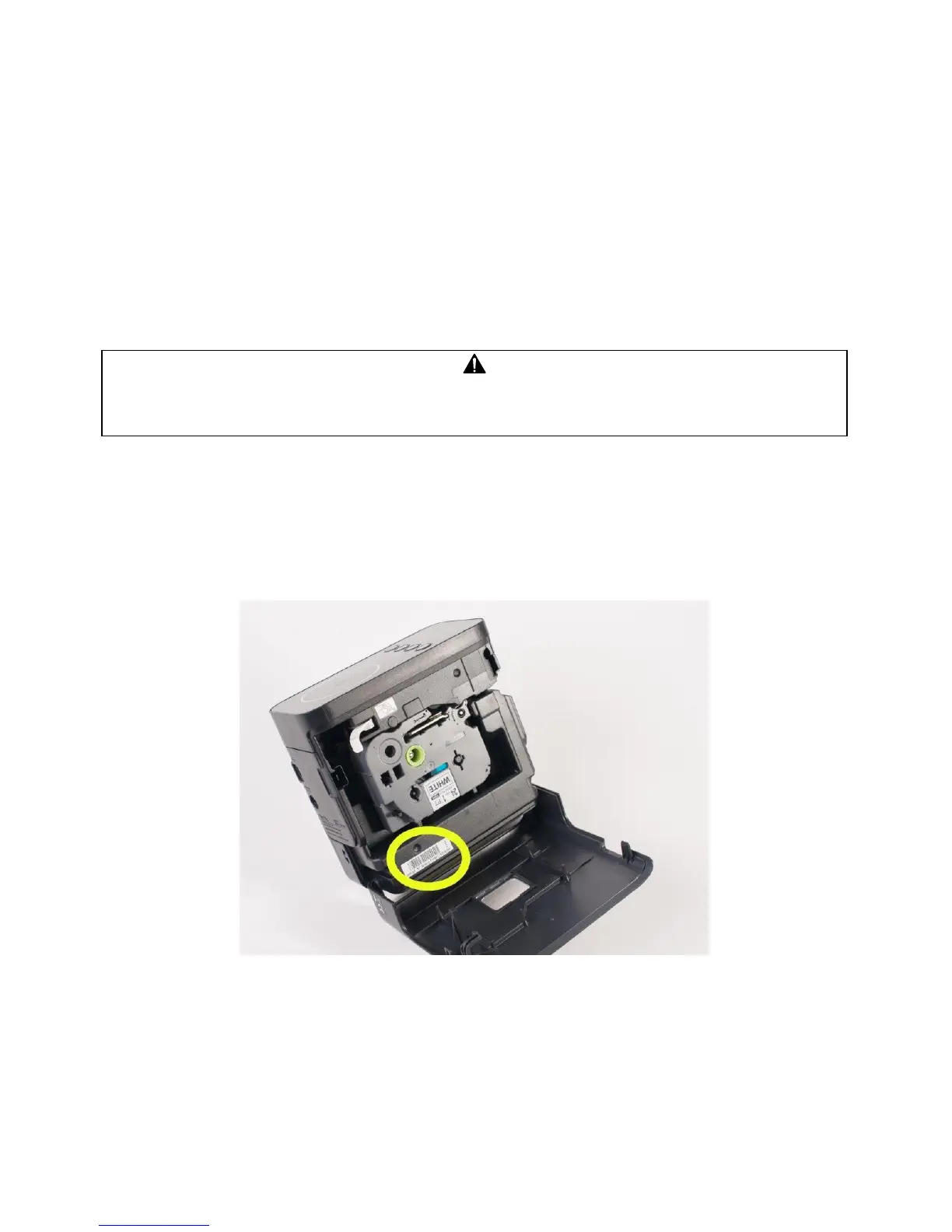
sible. The tester sends data to printer via WiFi connection. The last four digits of the printer's serial
number is needed to configure the connection. The location of the serial number:
- on a sticker under the flap side of the printer (recommended location):



 To Next Page