OPERATING MANUAL PAT-1, PAT-2, PAT-2E, PAT-10 version 1.02
8 Firmware update
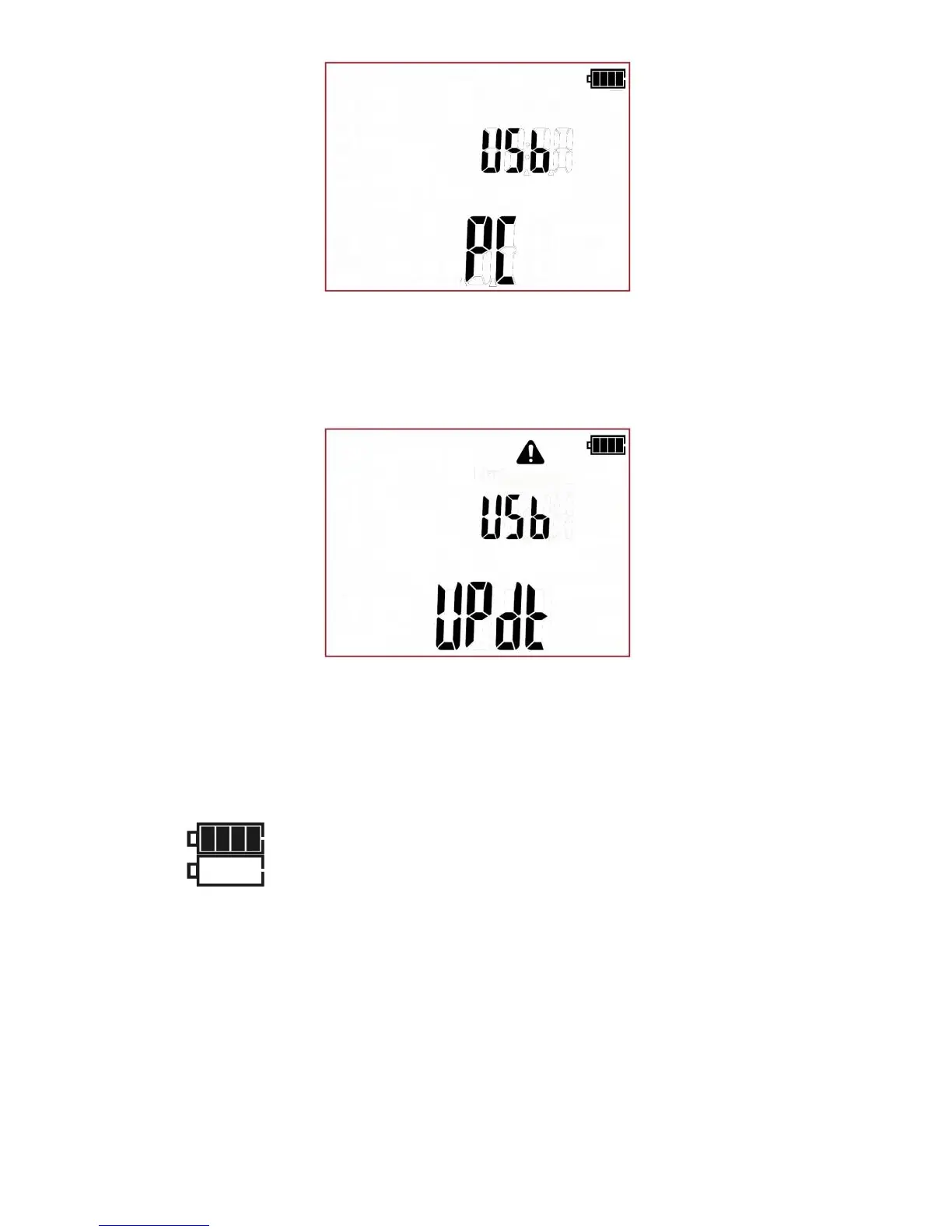
1. In accordance with the guidelines of Section 3 of this manual, enter the meter’s firmware update
mode: UPdT
2. Connect the cable to the USB port on the computer and the USB socket on the tester.
3. Run a program for updating the firmware and follow on-screen instructions.
9 Power supply of the tester
9.1 Monitoring the power supply
The charge level of the batteries or rechargeable batteries is indicated by the symbol in the right up-
per corner of the display on a current basis:
No battery symbol on screen (with charger connected) indicates
that the battery is either disconnected or corrupted.



 To Next Page