OPERATING MANUAL PAT-1, PAT-2, PAT-2E, PAT-10 version 1.02
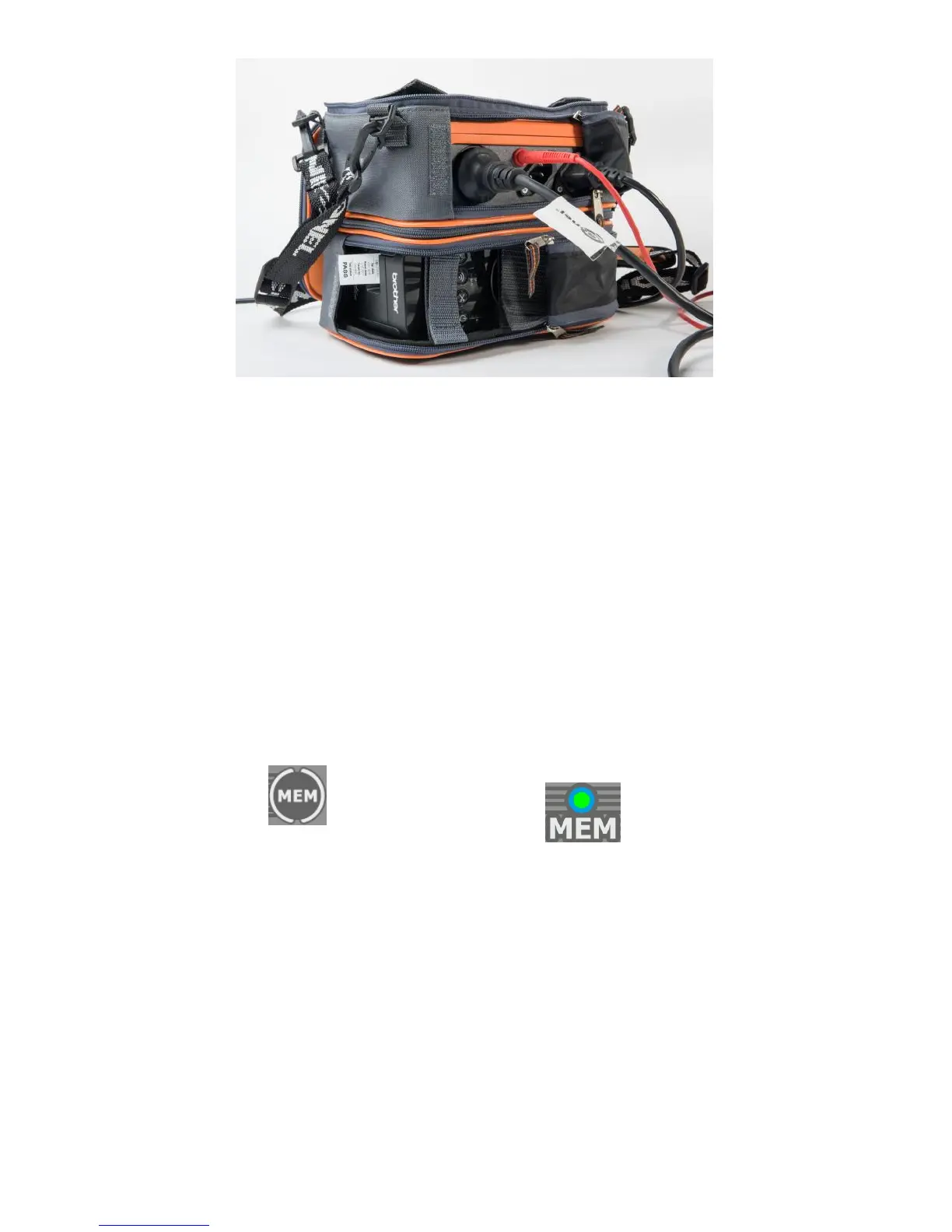
After finishing the work, the bottom part of the carrying case can be zipped up for better protection of
the printer during transport.
7 Data transmission
7.1 Accessories required to connect the tester to PC
The tester can be connected to a PC via USB cable and appropriate software. If the software has not
been purchased along with the tester, it can be downloaded from the manufacturer's website, pur-
chased from the manufacturer or from an authorized distributor.
Possessed PC software can be used with many instruments manufactured by Sonel S.A., equipped
with USB interface, or other (depending on the instrument). Contact manufacturer or local distributor
for more detailed information.
7.2 Data transmission and tester configuration via USB port
1.
2. Connect the cable to the USB port of the computer and the USB socket of the tester.
3. Run the software for communicating with the tester and follow the on-screen instructions. The test-
er will display below message:



 To Next Page