OPERATING MANUAL PAT-1, PAT-2, PAT-2E, PAT-10 version 1.02
6.1.2 Printing after measurement
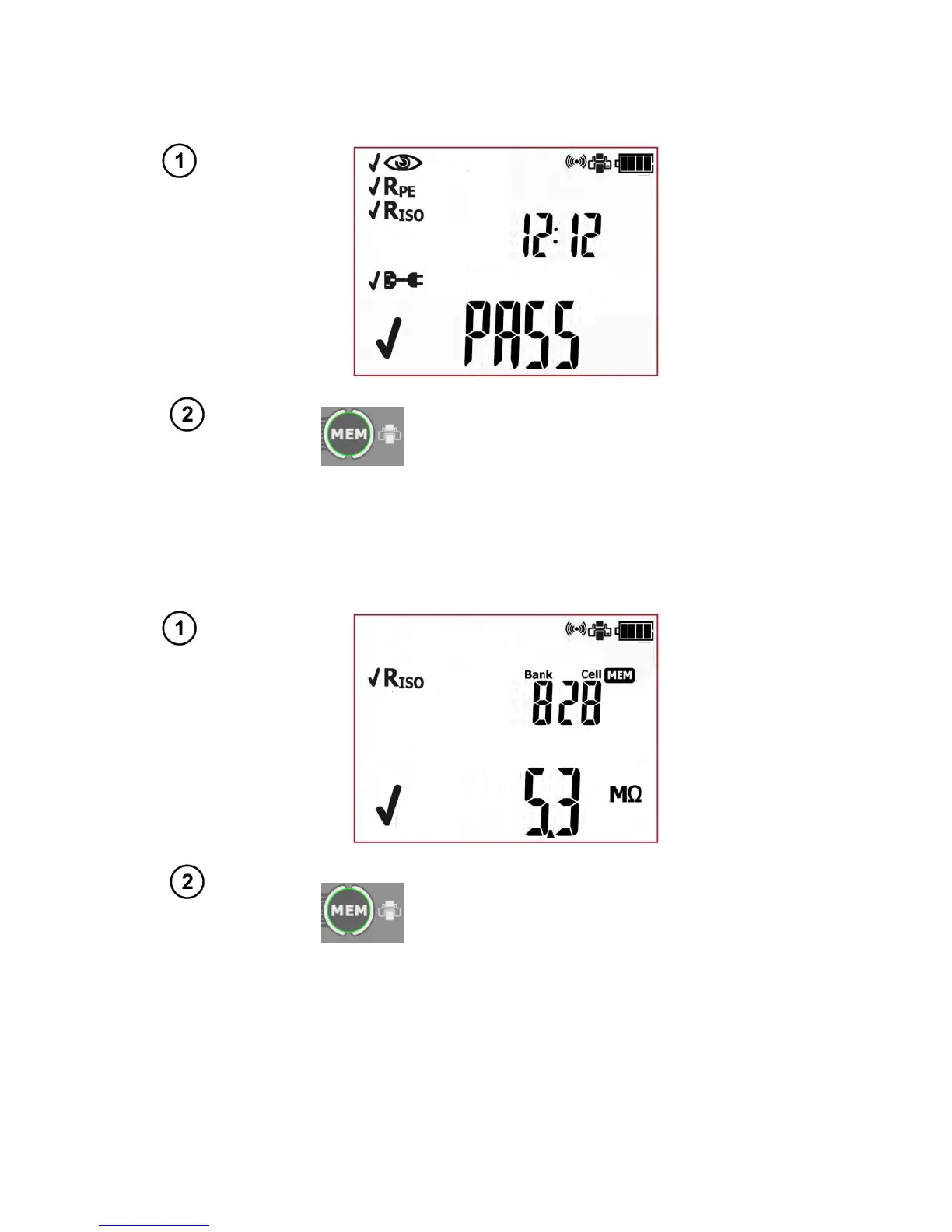
When a single test or AUTO test sequence (also IEC and PRCD) is completed, and its result is being
displayed on screen):
Press print button (MEM). The label
printing process will commence. When
printing is in progress the tester will dis-
play Prnt on screen.
6.1.3 Printing from memory
To print an already saved test, go into browse memory mode (see section 5.2 of this manual), select
the bank and the cell that contain test results that are to be printed. A screen showing data of the se-
lected cell is displayed on the tester's screen:
Press print button (MEM). The label
printing process will commence. An en-
tire content of the selected cell will be
printed. When printing is in progress the
tester will display Prnt on screen.
6.1.4 Printing automatically when saving to memory
If auto print mode is on (see section 3 of this manual), when saving test results into memory (see
section 5.1 of this manual), after selecting bank and cell, pressing ENTER will automatically save the
test result and will print a label at the same time. When printing is in progress the tester will display
Prnt on screen.



 To Next Page