OPERATING MANUAL PAT-1, PAT-2, PAT-2E, PAT-10 version 1.02
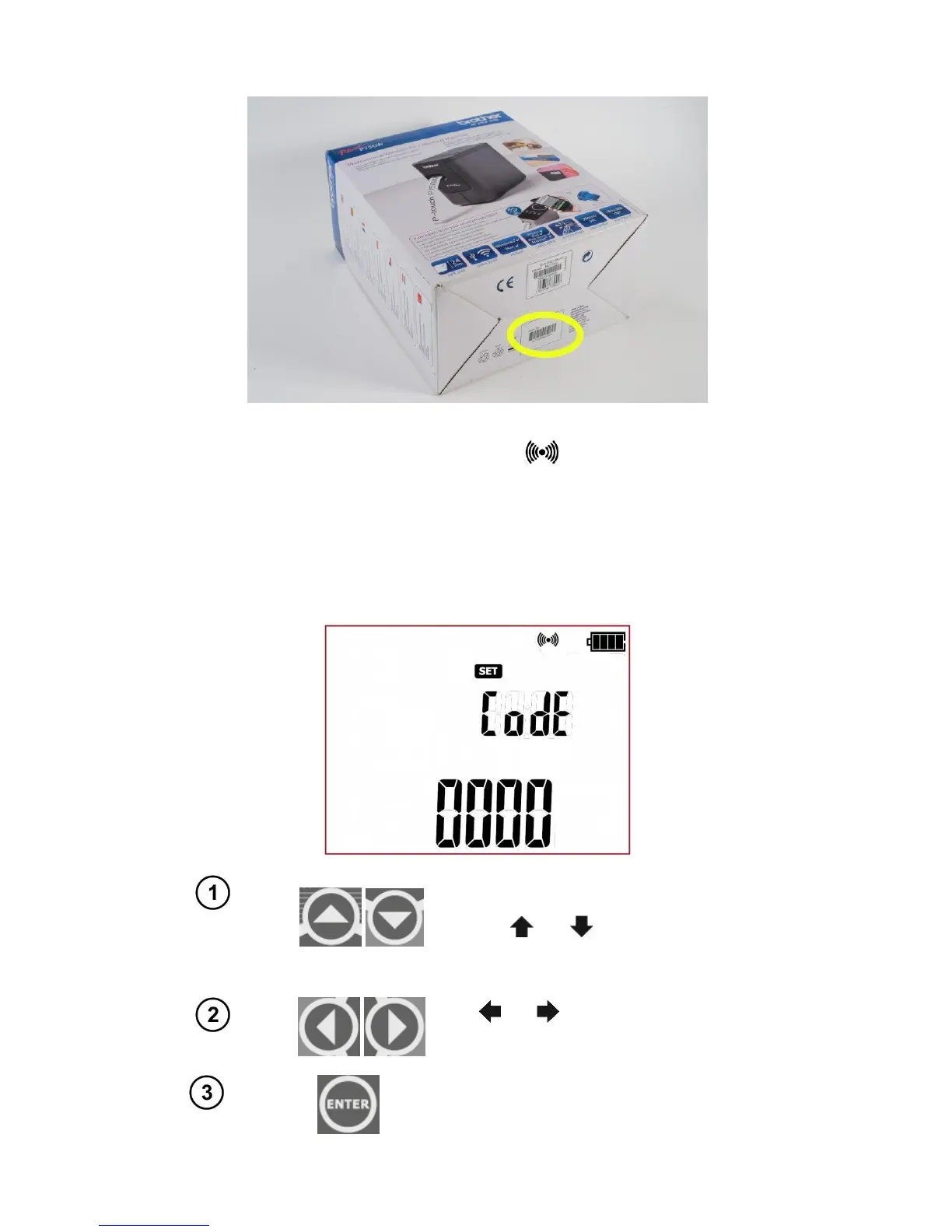
- on the bottom of the printer's packaging (cardboard box) - make sure that the packaging belongs to
the right printer:
After finding the serial number, turn on (as described in section 3 of this manual) the WiFi connection
(rF function) on the SET menu of the tester. WiFi icon , will appear on screen. Then enter the
printer configuration mode (Prnt Conf).
Turn on the printer and activate the printer's WiFi mode.
After entering the printer's configuration menu on the tester, user will be prompted to enter the con-
nection code (CodE), as shown in the screen below:
When the code setting screen is dis-
played, the first digit of the code is flash-
ing. Use and
buttons to set the
desired value.



 To Next Page