SONOSAX SX-R4
+
User interface V1.2 Page
21
of 26
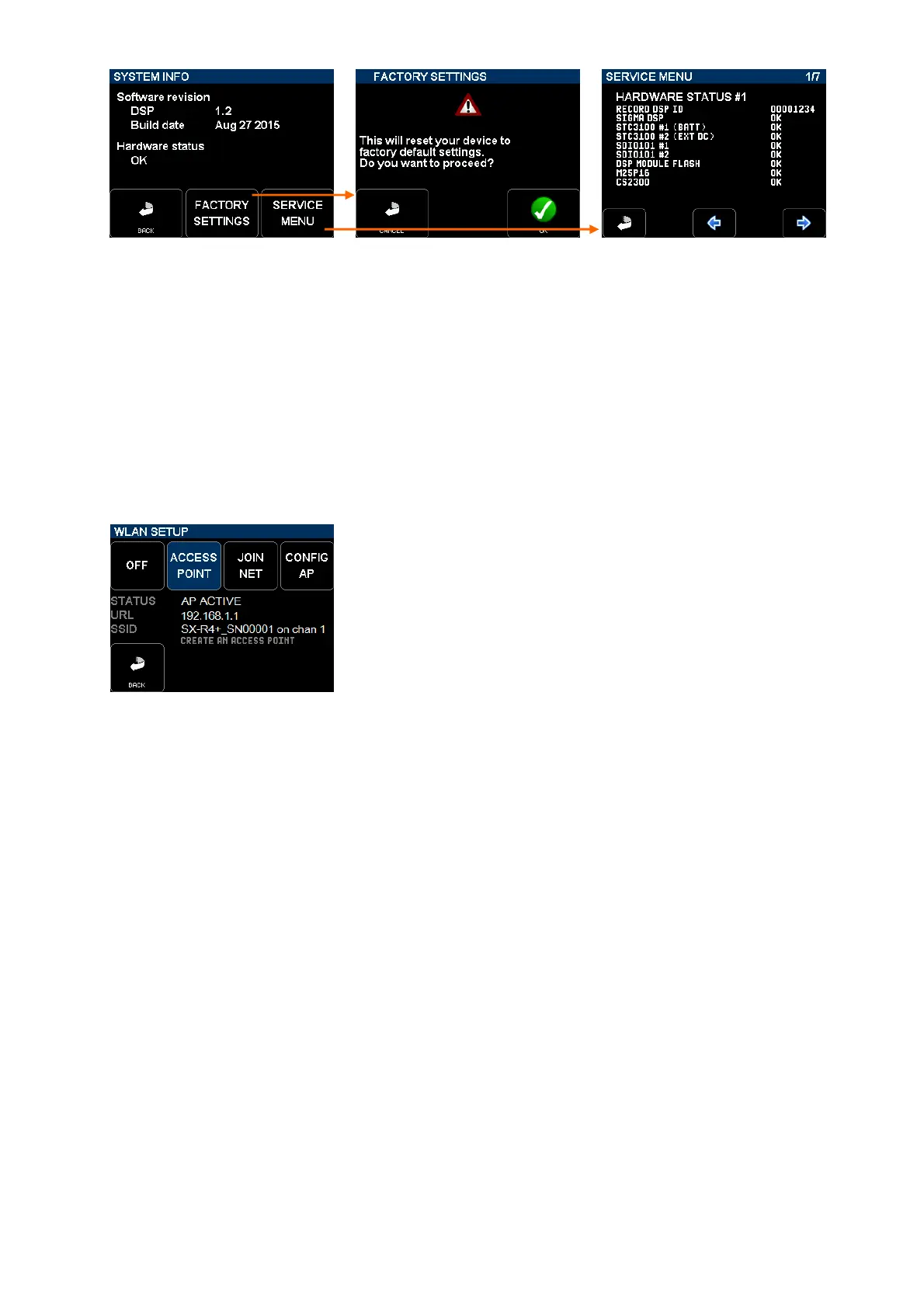
[SYSTEM INFO] gives access to: Reset all parameters of the recorder Spread hardware informations over
with factory default settings 7 pages
6.1 WIFI WLAN SETUP
The SONOSAX SX-R4+ can communicate with a smartphone, a tablet or even a laptop through its integrated WiFi
interface; for sake of clarity only "tablet" will be mentioned on following chapters.
The WiFi interface enables remote control of functionalities such as Record Start/Stop, track arming, metadatas editing
and displaying the modulometers by using the web browser of a tablet.
The SX-R4+ can be configured as a single Access Point to communicate directly to one WiFi device or can be
configured to join an existing WiFi network. Press on the [WLAN] key on the [SYSTEM] page to access the WiFi
configuration's page.
[OFF] turns the WiFi interface off to save on battery.
[ACCESS POINT] activates the WiFi interface as single Access Point with its
unique SSID.
[JOIN NET] activates the WiFi interface and join an existing network once the
SX-R4+ has been configured with the. [CONFIG AP]
[CONFIG AP] a special web page is broadcasted so that the WiFi interface of the
SX-R4+ can be configured using an external WiFi device - such as a tablet - to
join an existing WiFi network .
6.1.1 Set the SX-R4+ as [ACCESS POINT]
The [ACCESS POINT] key turns the WiFi interface on and configures the SX-R4+ as a single access point. In this
mode, the SX-R4+ broadcasts a WiFi network with its own SSID; only one external device such as a tablet can be
connected to the SX-R4+ network.
Connecting your tablet to the SX-R4+:
• open the WiFi manager of the tablet; all available WiFi network will be listed
• locate and select the SX-R4+ network named [SX-R4+_ _SNxxxxxx]
(xxxxxx denotes the serial nr of your SX-R4+)
• confirm with "connect" to join the WiFi network of your SX-R4+
• open the web browser of the tablet and type directly on the URL bar: 192.168.1.1
• wait a few seconds until the SX-R4+ webpage appears on the web browser



 To Next Page