ILCE-9M2
5-010-473-11 (1)
GB
134
C:\5010473111\5010473111ILCE9M2IN5\01GB-ILCE9M2IN5\030BAS.indd
DTP data saved: 2019/07/26 13:31
PDF file created: 2019/08/06 10:22
Reducing blur
Sets whether or not to use the SteadyShot function.
MENU (Camera Settings 2) [SteadyShot] desired
setting.
On: Uses [SteadyShot].
Off: Does not use [SteadyShot]. We recommend that you set [Off] when
using a tripod, etc.
SteadyShot Settings
You can shoot with an appropriate SteadyShot setting for the attached
lens.
1
MENU (Camera Settings 2) [SteadyShot] [On].
2
[SteadyShot Settings] [SteadyShot Adjust.] desired
setting.
Auto: Performs the SteadyShot function automatically according to the
information obtained from the attached lens.
Manual: Performs the SteadyShot function according to the focal-
length set using [SteadyS. Focal Len.]. (8mm – 1000mm)
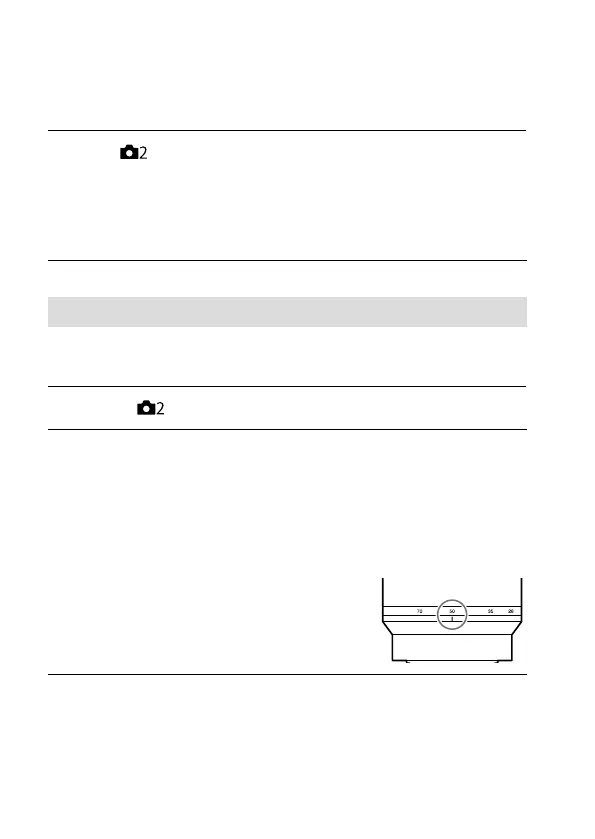
• Check the focal-length index and set the
focal-length.


 To Next Page