ILCE-9M2
5-010-473-11 (1)
GB
240
C:\5010473111\5010473111ILCE9M2IN5\01GB-ILCE9M2IN5\120OTH.indd
DTP data saved: 2019/07/26 13:31
PDF file created: 2019/08/06 10:23
Cleaning the image sensor
If dust or debris gets inside the camera and adheres to the surface of
the image sensor (the part that converts the light to an electric signal),
it may appear as dark spots on the image, depending on the shooting
environment. If this happens, follow the steps below to clean the image
sensor.
1
Confirm that the battery has been charged sufficiently.
2
MENU (Setup) [Cleaning Mode] [Enter].
The image sensor vibrates a little to shake off the dust.
3
Turn off the product following the instructions on the screen.
4
Detach the lens.
5
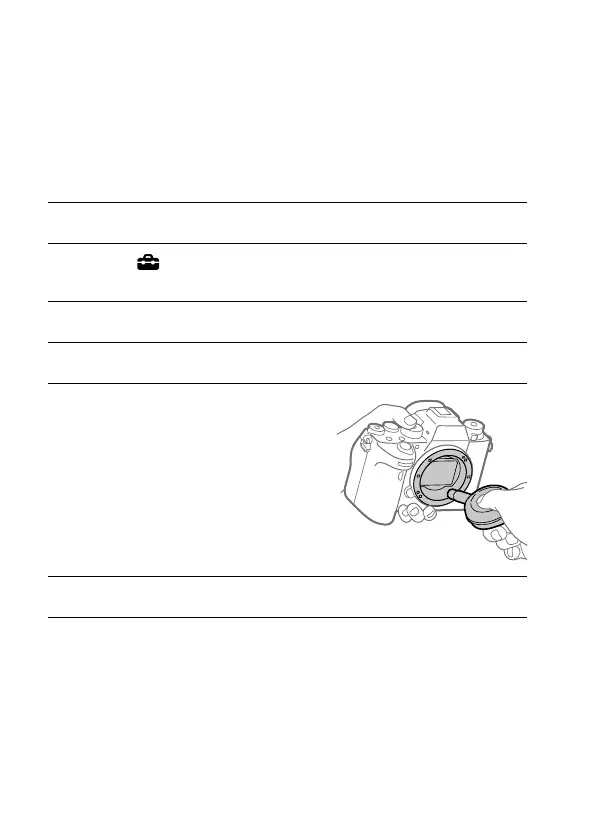
Use the blower to clean the
image sensor surface and the
surrounding area.
6
Attach the lens.



 To Next Page