ILCE-9M2
5-010-473-11 (1)
GB
149
Shooting movies
C:\5010473111\5010473111ILCE9M2IN5\01GB-ILCE9M2IN5\040MOV.indd
DTP data saved: 2019/07/26 13:31
PDF file created: 2019/08/06 10:23
Changing settings for movie recording
File Format
Selects the movie file format.
MENU (Camera Settings 2) [ File Format] desired
setting.
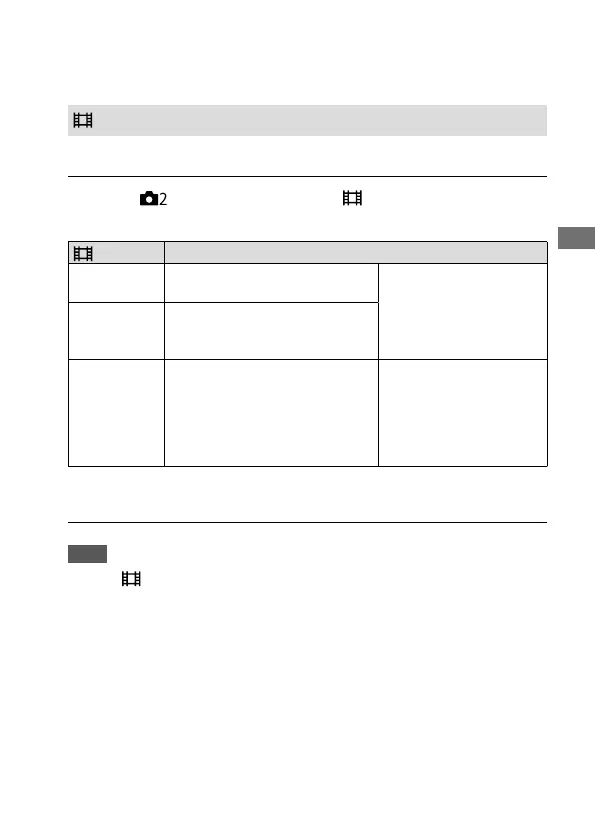
File Format Characteristics
XAVC S 4K
Records movies in 4K resolution
(3840×2160).
You can save movies on
a computer using the
PlayMemories Home
software.
XAVC S HD
Records movies in crisper quality
than AVCHD with larger amounts
of data.
AVCHD
The AVCHD format has a high
degree of compatibility with
storage devices other than
computers.
You can save movies on
a computer or create
a disc that supports
this format using the
PlayMemories Home
software.
For details on memory cards that can be used for these formats, refer to
page 248.
Note
• When [ File Format] is set to [AVCHD], the file size of movies is limited to
approx. 2GB. If the movie file size reaches approx. 2GB during recording, a
new movie file will be created automatically.



 To Next Page